
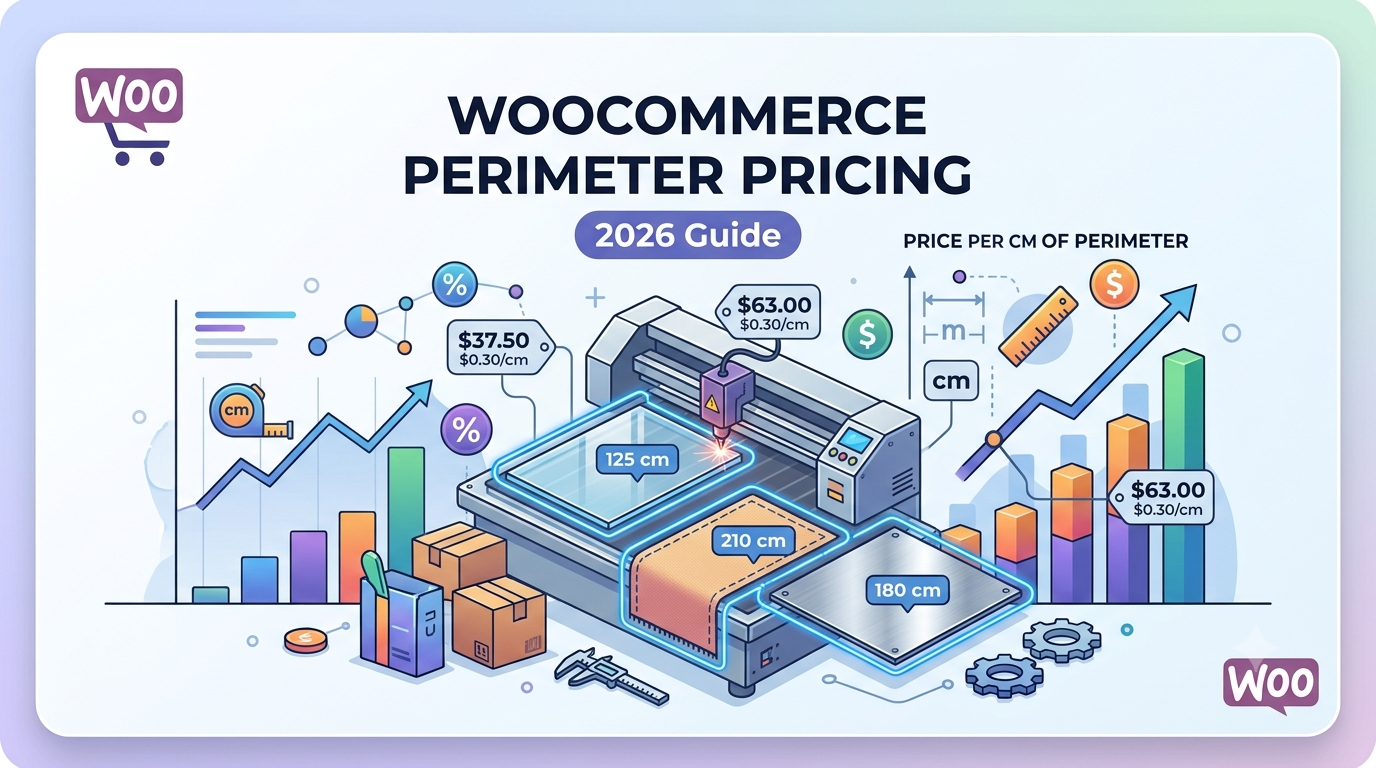
Some products aren’t priced by their surface area or length—they’re priced by the total perimeter. This is common for products such as fencing, edging, trim, framing materials and custom manufacturing where the outside boundary determines the cost.
Unfortunately, WooCommerce doesn’t include perimeter pricing by default.
In this guide, we’ll show you how to calculate product prices automatically using perimeter measurements in WooCommerce.
What is Perimeter Pricing?
Perimeter pricing means charging customers based on the total distance around an object.
For example:
- Garden fencing
- Lawn edging
- Decorative trim
- Picture framing
- Rubber seals
- Window beading
- Aluminium edging
- Metal framing
- Protective edging
Instead of charging by area, the price is calculated from the total perimeter entered by the customer.
How Perimeter Pricing Works
Imagine you sell decorative edging at:
£12 per metreA customer enters:
Length: 8m
Width: 5m
WooCommerce calculates:
Perimeter = (8 + 5) × 2

= 26 metres

26 × £12 = £312
The customer immediately receives an accurate quotation.
Businesses That Benefit
Perimeter pricing is ideal for:
- Fence suppliers
- Garden edging manufacturers
- Frame manufacturers
- Glass suppliers
- Mirror manufacturers
- Rubber seal suppliers
- Aluminium trim suppliers
- Flooring edging retailers
- Landscaping companies
Instead of creating hundreds of product variations, customers simply enter their required dimensions.
Why Manual Quotes Slow Sales
Without perimeter pricing, many businesses rely on:
- Email quotations
- Telephone orders
- Manual calculations
- Custom invoices
- Spreadsheet pricing
This creates delays and increases the chance of pricing errors.
Allowing customers to calculate prices themselves makes ordering much faster.
Dynamic Perimeter Calculations
Modern WooCommerce stores can automatically:
- Calculate perimeter
- Multiply by a price per metre or foot
- Display live prices
- Update totals instantly
- Apply minimum charges
- Include additional fees
This removes manual work while improving the buying experience.
Common Pricing Rules
Many perimeter-based businesses also require:
- Minimum order values
- Corner charges
- Cutting charges
- Installation costs
- Delivery fees
- Bulk discounts
- Waste allowances
These can all be included within your pricing formula.
Using Woo State Calculator
Woo State Calculator allows WooCommerce stores to calculate prices using custom formulas based on customer-entered measurements.
It supports:
- Perimeter pricing
- Area pricing
- Volume pricing
- Length pricing
- Formula pricing
- Live price updates
- Minimum charges
- Wastage calculations
This makes it suitable for fencing suppliers, framing companies, edging manufacturers and many other made-to-measure businesses.
Related Guides
WooCommerce Formula Pricing: How to Price Products by Area, Volume or Length (2026 Guide)
WooCommerce Fencing Quote Calculator: How to Sell Fencing by Length (2026 Guide)
WooCommerce Calculate Square Feet: Sell Products by Area (2026 Guide)
WooCommerce Volume Pricing: How to Sell Products by Volume (2026 Guide)
Frequently Asked Questions
What is perimeter pricing?
Perimeter pricing calculates the total distance around an object and uses that measurement to determine the final product price.
Which products use perimeter pricing?
Products such as fencing, edging, framing, seals, trim and mouldings are commonly priced by perimeter.
Can WooCommerce calculate perimeter automatically?
Yes. With a measurement pricing plugin, customers enter their dimensions and WooCommerce calculates the perimeter and final price automatically.
Can I combine perimeter pricing with minimum charges?
Yes. Minimum order values, delivery fees, cutting charges and other pricing rules can all be included in the calculation.
Conclusion
Perimeter pricing is an efficient way to sell products where the total boundary determines the cost rather than the surface area or volume. By automating perimeter calculations in WooCommerce, merchants can provide instant quotations, reduce manual administration and improve the customer buying experience.
Leave a Reply