
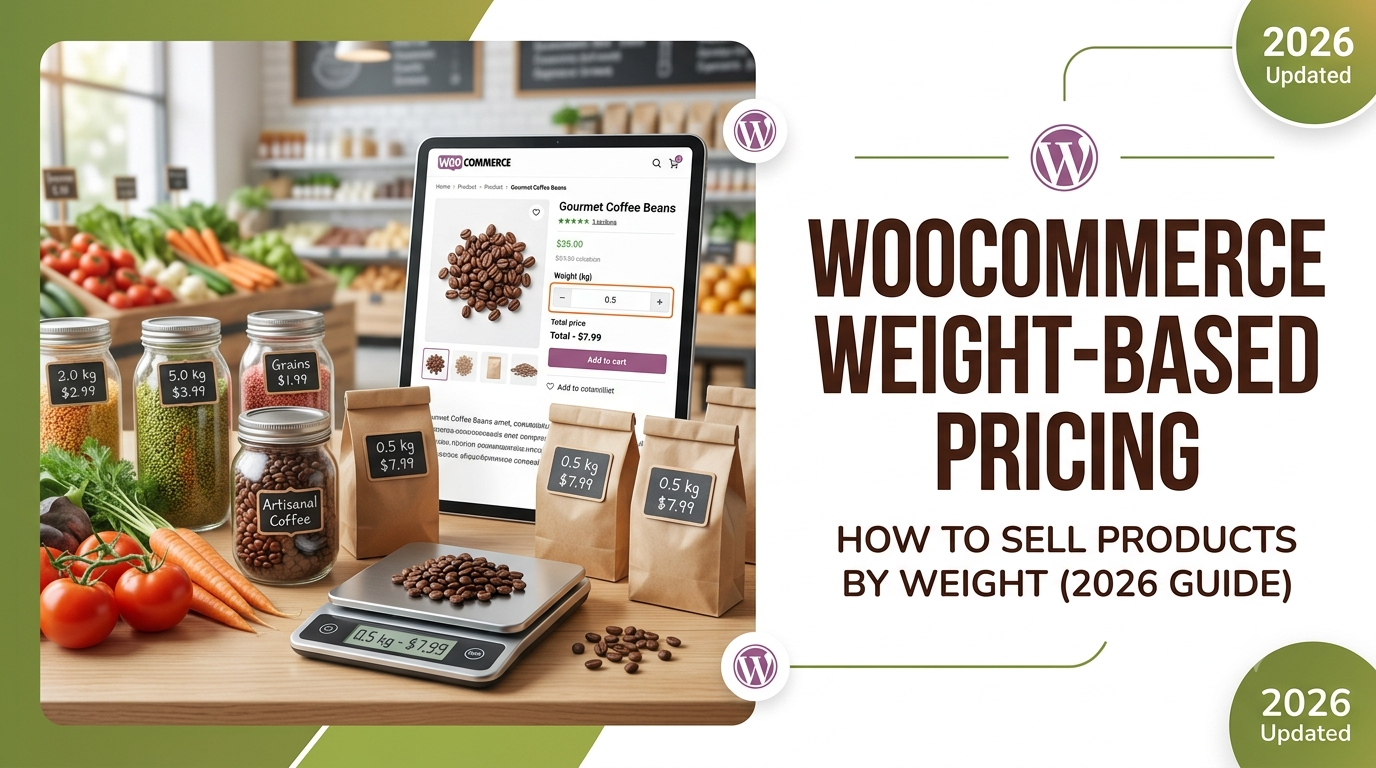
Many businesses sell products by weight rather than by individual items. Whether you’re selling compost, animal feed, powders, metals, coffee beans or bulk food ingredients, customers often need to buy an exact quantity.
WooCommerce doesn’t include dynamic weight-based pricing out of the box, but with the right measurement pricing solution you can automatically calculate prices based on the weight entered by the customer.
In this guide, we’ll show you how to sell products by weight in WooCommerce.
Why Sell Products by Weight?
Weight-based pricing allows customers to purchase exactly the amount they need while keeping your product catalogue simple.
Common examples include:
- Animal feed
- Coffee beans
- Tea
- Flour
- Sugar
- Compost
- Fertiliser
- Sand
- Powders
- Metal offcuts
- Plastic pellets
- Resin powders
Instead of maintaining dozens of product variations, customers simply enter the required weight.
Example Weight Pricing
Suppose your product costs:
£2.75 per kilogramA customer enters:
35 kgWooCommerce calculates:
35 × £2.75 = £96.25The total updates instantly before the customer adds the product to their basket.
Problems with Fixed Product Variations
Many stores create variations such as:
- 1kg
- 5kg
- 10kg
- 20kg
- 25kg
- 50kg
As your product range grows, these become increasingly difficult to manage.
Dynamic pricing allows customers to order custom quantities without creating endless variations.
Automatically Calculate Prices by Weight
With measurement pricing, customers simply enter the weight they require.
WooCommerce then automatically:
- Calculates the total cost
- Updates the price live
- Applies pricing rules
- Displays the final total immediately
No manual quotations or custom calculations are required.
Advanced Pricing Rules
Many businesses also need to include:
- Minimum order values
- Bulk discounts
- Packaging charges
- Delivery fees
- Pallet charges
- Hazardous goods surcharges
- Handling fees
These can all be incorporated into your pricing formula automatically.
Using Woo State Calculator
Woo State Calculator provides flexible measurement pricing for WooCommerce.
It supports:
- Area pricing
- Length pricing
- Volume pricing
- Perimeter pricing
- Quantity pricing
- Formula pricing
- Conditional pricing
- Minimum charges
- Custom unit labels
Using Custom Unit Labels, you can simply replace the default units with Kilograms, Grams, Tonnes, Pounds (lbs) or any other weight unit that suits your business.
Related Guides
WooCommerce Formula Pricing: How to Price Products by Area, Volume or Length (2026 Guide)
WooCommerce Volume Pricing: How to Sell Products by Volume (2026 Guide)
WooCommerce Litre Pricing: How to Sell Products by Litre (2026 Guide)
WooCommerce Gallon Pricing: How to Sell Products by Gallon (2026 Guide)
Frequently Asked Questions
Can WooCommerce sell products by weight?
Yes. Using measurement-based pricing, customers can enter the required weight and WooCommerce automatically calculates the final price.
Which weight units can I use?
You can use any unit that fits your products, including:
- Kilograms (kg)
- Grams (g)
- Tonnes
- Pounds (lbs)
- Ounces (oz)
Custom unit labels let you tailor the terminology to your store.
Can I combine weight pricing with other pricing rules?
Yes. Minimum charges, bulk discounts, handling fees and conditional pricing rules can all be applied automatically.
Can prices update live?
Yes. As customers change the weight, the total price recalculates instantly on the product page.
Conclusion
Weight-based pricing is ideal for merchants selling bulk materials, food ingredients, industrial products and agricultural supplies. Instead of relying on fixed product variations, WooCommerce can calculate prices dynamically based on the customer’s chosen weight.
With Woo State Calculator, you can create flexible weight-based pricing using custom unit labels, live calculations and advanced pricing rules, giving customers a simple way to order exactly what they need.
Leave a Reply