
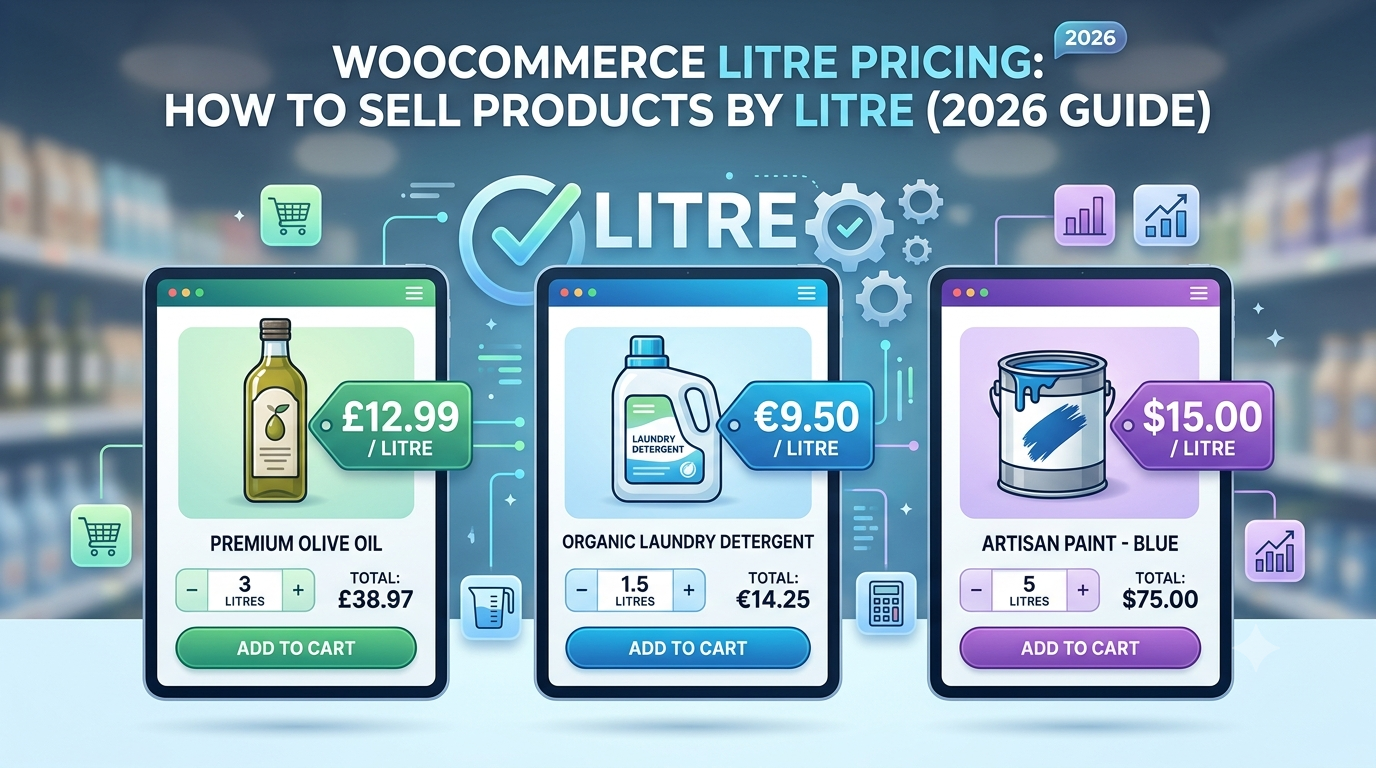
Many liquid products are sold by volume rather than by individual units. Whether you’re selling chemicals, paints, cleaning products, oils or liquid fertilisers, customers often need to buy an exact number of litres.
WooCommerce doesn’t include litre-based pricing by default, but it can be configured to automatically calculate prices based on customer-entered quantities.
In this guide, we’ll show you how to sell products by litre in WooCommerce.
Why Sell Products by Litre?
Selling by litre allows customers to purchase exactly the amount they need.
Common examples include:
- Agricultural chemicals
- Cleaning products
- Paint
- Resin
- Engine oil
- Lubricants
- Liquid fertiliser
- Pond treatments
- Adhesives
- Food-grade liquids
Instead of creating dozens of fixed-size products, customers simply enter the quantity they require.
Example Pricing
Suppose you sell industrial cleaner for:
£3.50 per litreA customer enters:
25 litresWooCommerce calculates:
25 × £3.50 = £87.50The price updates instantly before the customer adds the product to their cart.
Why Fixed Product Variations Become Difficult
Some stores attempt to create variations such as:
- 1L
- 5L
- 10L
- 20L
- 25L
- 50L
This quickly becomes difficult to manage, especially when customers require custom quantities.
Dynamic pricing removes the need to maintain dozens of product variations while offering far more flexibility.
Automatically Calculate Prices
A measurement pricing solution allows customers to:
- Enter the number of litres required
- See live price updates
- Purchase custom quantities
- Order exactly what they need
The calculation happens automatically, improving the buying experience while reducing manual work.
Additional Pricing Rules
Many businesses selling liquids also require:
- Minimum order quantities
- Handling charges
- Hazardous goods surcharges
- Delivery fees
- Bulk discounts
- Container deposits
- Packaging costs
These can all be included within the pricing formula.
Using Woo State Calculator
Woo State Calculator enables WooCommerce stores to calculate prices using customer-entered measurements and custom formulas.
It supports:
- Volume pricing
- Area pricing
- Length pricing
- Perimeter pricing
- Formula pricing
- Minimum charges
- Live price updates
- Wastage calculations
Whether you’re selling chemicals, paints, fertilisers or industrial liquids, Woo State Calculator makes it easy to automate litre-based pricing.
Related Guides
WooCommerce Volume Pricing: How to Sell Products by Volume (2026 Guide)
WooCommerce Formula Pricing: How to Price Products by Area, Volume or Length (2026 Guide)
WooCommerce Concrete Calculator: How to Price Concrete by Volume (2026 Guide)
WooCommerce Topsoil Calculator: How to Price Topsoil and Mulch by Volume (2026 Guide)
Frequently Asked Questions
Can WooCommerce sell products by litre?
Yes. Using measurement-based pricing, customers can enter the number of litres required and WooCommerce automatically calculates the total price.
Which businesses benefit from litre pricing?
It’s ideal for stores selling paints, chemicals, oils, cleaning products, fertilisers, adhesives and other liquid products.
Can I set minimum order quantities?
Yes. Minimum purchase amounts, handling fees and delivery charges can all be incorporated into the pricing formula.
Can prices update instantly?
Yes. Customers see the total price recalculate immediately as they change the quantity.
Conclusion
Selling products by litre is a common requirement for businesses dealing with liquids, chemicals and industrial supplies. By automating litre-based pricing in WooCommerce, you can let customers order the exact quantity they need while eliminating manual quotations and simplifying your sales process.
Leave a Reply