
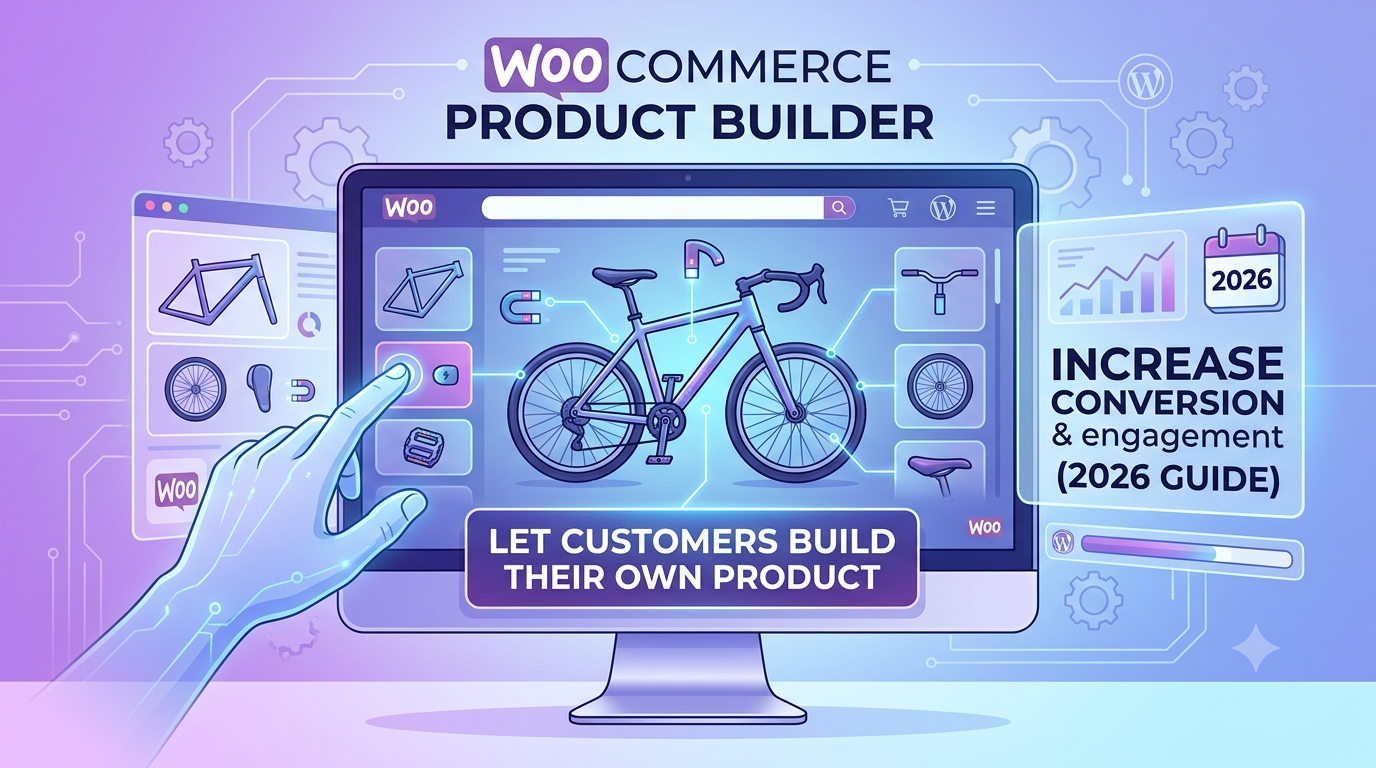
If you’re searching for a product builder for WooCommerce, you’re likely looking for the same thing regardless of what you call it — a way for customers to combine several independent choices into one finished, priced product, rather than picking from a small fixed list of pre-made combinations.
“Product builder,” “product configurator,” and “custom product builder” all describe the same underlying need: someone assembling their own version of a product — a build-your-own gift box, a custom PC, a made-to-order piece of furniture — from a set of components or options, with the price reflecting exactly what they chose.
This guide covers what a genuine product builder needs to do in WooCommerce, and how to set one up.
What “building” a product actually requires
A real product builder is more than a product with a lot of options — it needs to handle choices that combine into a coherent whole:
- Independent option groups that combine into one total — a customer might choose a base item, an add-on, a finish, and a quantity, each affecting price separately, rather than needing every possible combination pre-built
- Choices that depend on earlier choices — some builds need certain options to only appear once an earlier choice is made (for example, only showing compatible add-ons for a selected base component)
- A running total that updates as the build progresses — a customer assembling a build wants to see the price change with each decision, not wait until checkout to find out what their combination costs
- A way to attach data to what was actually built, not just the price — for downstream fulfilment, especially where a build needs to be manufactured, assembled, or routed correctly based on what was chosen
How this works in practice
Rather than treating a “build” as a single product with a giant list of variations, each part of the build is its own independent option group, combined into one live total:
Total = Base price + Component A adjustment + Component B adjustment + ...
For example: a build-your-own gift box starting at £15, with a “Premium Wrapping” option adding £4 and a “Personalised Card” option adding £3:
Base box: £15
Base + premium wrapping: £15 + £4 = £19
Base + premium wrapping + personalised card: £15 + £4 + £3 = £22
Each choice updates the total instantly, and conditional visibility rules can control which options appear based on earlier selections — for example, only showing certain finishes once a compatible base component has been chosen.
Setting this up in WooCommerce
The usual approaches:
1. Standard WooCommerce variations. Works for a genuinely small, fixed set of pre-built combinations, but a true “build your own” product usually has too many independent choices for this to scale — the number of possible combinations grows fast, and most would never be pre-built or sold.
2. Separate products per possible build. Avoids the variation explosion but defeats the purpose — customers are choosing between finished options rather than genuinely building something themselves.
3. A purpose-built configurator, where each part of the build is an independent option group combining into one live total.
This is what Woo State Configurator is built for — independent option groups (each can be displayed as image swatches, buttons, or dropdowns) combine into a single live-updating total, with conditional visibility controlling which choices appear based on earlier selections, and custom meta fields attaching structured data about the finished build to the order for downstream fulfilment. It’s built on State.js, so the whole building experience updates instantly with no jQuery dependency and no layout shift.
What to check before you buy any product builder plugin for WooCommerce
- Can option groups combine independently into one total, rather than requiring every combination to be pre-built?
- Can certain choices depend on or be hidden by earlier selections?
- Does the total update live as the build progresses?
- Can structured data about the finished build attach to the order, for fulfilment or manufacturing routing?
- Is the final price recalculated server-side at checkout, so a build can’t be manipulated to a lower price in the browser?
FAQ
Is a “product builder” different from a “product configurator”? Not meaningfully — both terms describe the same underlying need: assembling a finished, priced product from independent choices. The right term to use in your own store is usually whichever matches how your specific customers think about what they’re doing.
Can I limit which combinations are actually buildable? Yes — conditional visibility lets you hide options that aren’t compatible with an earlier choice, so customers can’t accidentally build a combination you can’t fulfil.
Does this work for physical builds (like a gift box) as well as more abstract combinations (like a software licence)? Yes — the underlying mechanism (independent option groups combining into one price) works the same regardless of whether the “build” is physical components, digital licence tiers, or service add-ons.
Want customers to build their own product from independent choices on WooCommerce? Woo State Configurator combines option groups into one live, accurate total.
Leave a Reply