
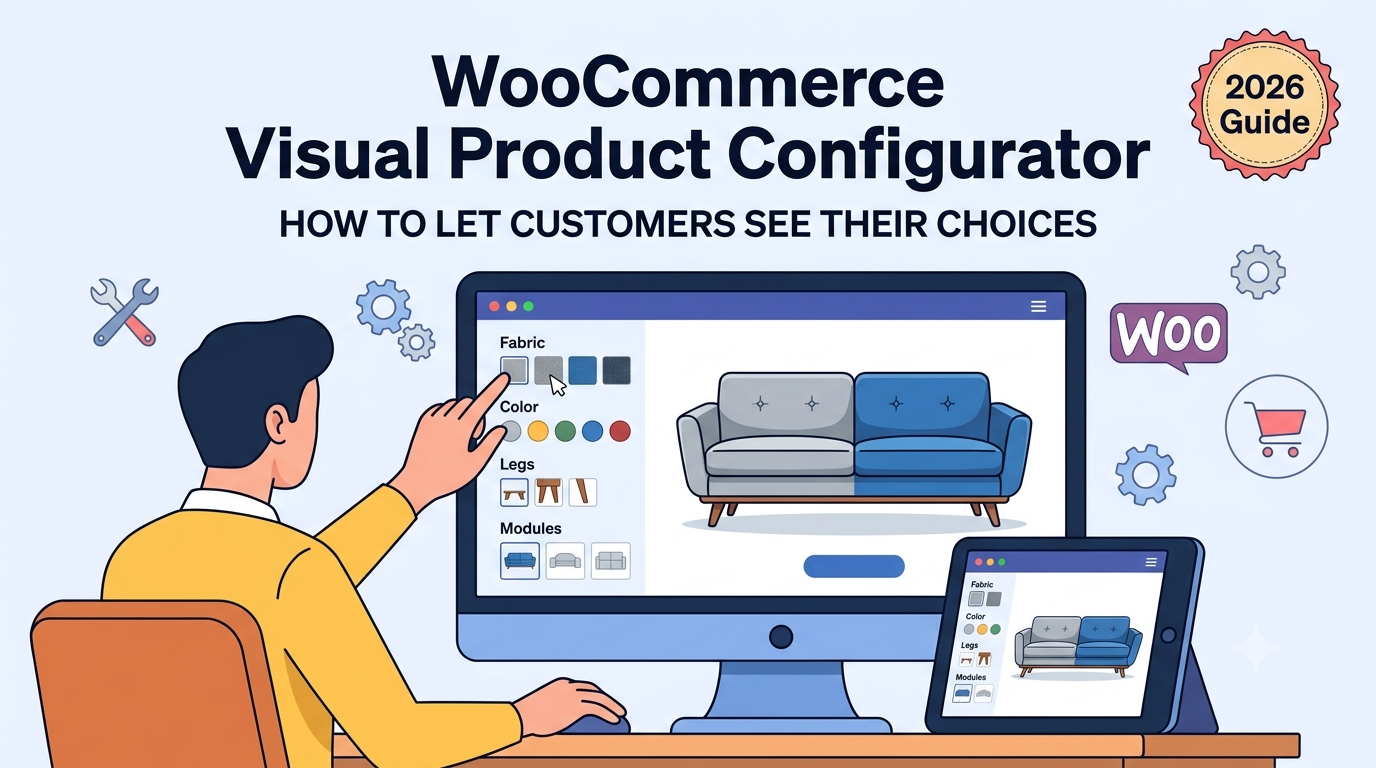
If you’ve searched for a visual product configurator for WooCommerce, you’re likely trying to solve a specific problem: standard WooCommerce option dropdowns show customers a list of words — “Fabric: Charcoal Grey,” “Colour: Navy Blue” — when what they actually want is to see the choice before committing to it.
Text-only options work fine for genuinely simple choices (a T-shirt size, for instance), but for anything where appearance matters — fabric, colour, finish, material — a dropdown full of similar-sounding names creates real uncertainty at exactly the moment a customer is deciding whether to buy.
This guide covers what a visual configurator actually needs to do, and how to set one up in WooCommerce.
Why visual selection matters more than it might seem
A visual configurator isn’t just a cosmetic upgrade over a dropdown — it changes the buying decision itself:
- Reduces returns and dissatisfaction — a customer who saw an accurate swatch of “Charcoal Grey” before ordering is far less likely to be surprised by the actual colour on arrival than one who picked a name from a list
- Speeds up decision-making — comparing several visual options side by side is faster and more confident than reading through similar text labels one at a time
- Builds trust in the purchase — seeing exactly what you’re choosing, updating live as you choose it, feels like a considered purchase rather than a guess
What a genuine visual configurator needs
Not every plugin claiming “visual options” actually delivers a good version of this. The core requirements are:
- Real image swatches per option, not just a slightly larger dropdown — each choice needs its own image, not a shared placeholder
- Instant visual feedback — selecting an option should update the displayed price (and ideally a preview) immediately, without a page reload
- Flexibility per option group — some choices genuinely suit an image swatch (colour, fabric, pattern), while others are better as a button or dropdown (size, quantity); a good configurator lets you choose the right display type for each option group rather than forcing everything into one format
- Independent pricing per visual option — a premium fabric swatch and a standard one often need different price adjustments, not a single flat charge regardless of which image is selected
Setting this up in WooCommerce
The usual approaches:
1. Standard WooCommerce variations with variation images. Technically shows an image once a variation is selected, but the selection step itself is usually still a text dropdown — the image only appears after choosing, not as part of choosing.
2. Generic “extra options” plugins. Many only support text or basic radio buttons, without genuine image-swatch display as a first-class option type.
3. A purpose-built visual configurator, where any option group can be displayed as image swatches, with independent pricing and instant updates.
This is what Woo State Configurator is built for — any option group can be set to display as image swatches, buttons, or a dropdown, whichever suits that specific choice, with the price updating live and with zero layout shift the instant an option is selected. It’s built on State.js, so there’s no jQuery dependency behind the interaction.
What to check before you buy a visual configurator plugin
- Does it genuinely support image swatches as a display type, not just a slightly styled dropdown?
- Can different option groups use different display types (swatches for colour, buttons for size) on the same product?
- Does selecting a visual option update price instantly, without a page reload?
- Can each visual option carry its own independent price adjustment?
- Is the final price recalculated server-side at checkout, so it can’t be manipulated in the browser?
FAQ
Does every option need to be visual, or can I mix formats on one product? You can mix — a colour or fabric option might suit an image swatch, while a size option is often clearer as a simple button group, and both can sit on the same product independently.
Can I show a live preview of the product updating, not just the price? The configurator updates price and selected state live as options change; a full live product-image preview (the product photo itself changing per selection) depends on whether you have distinct images per option to display, which is a content/asset question as much as a plugin capability.
Does this work well on mobile, where dropdowns are often easier to tap than swatches? Since display type is set per option group, you can choose whichever format works best for touch interaction on that specific choice — swatches for a small number of visually distinct options, or a dropdown/button group where that’s more practical.
Want customers to see their choices, not just read them, on your WooCommerce product pages? Woo State Configurator supports image swatches, buttons, and dropdowns per option group.
Leave a Reply