
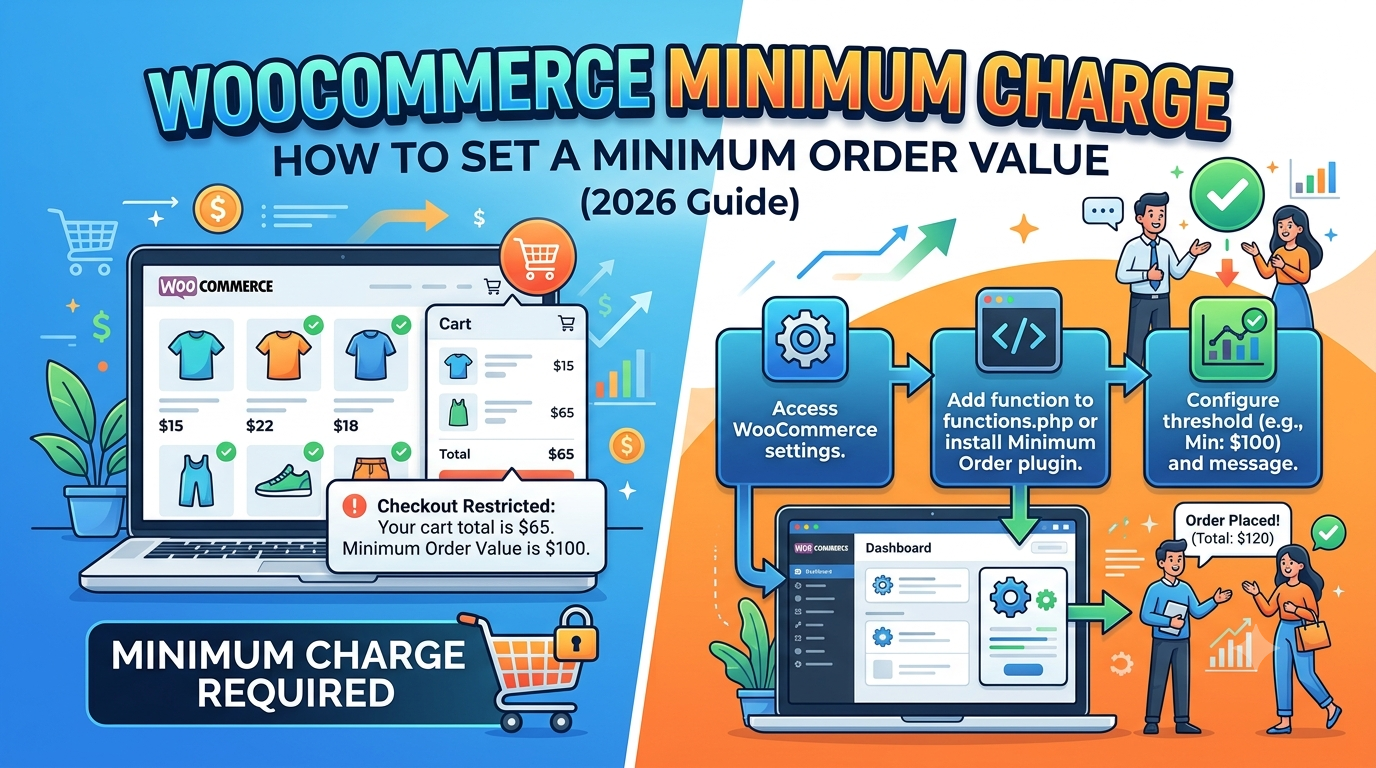
Many WooCommerce stores need to charge a minimum amount before allowing a customer to place an order.
Perhaps you sell carpet by the square metre, fabric by the metre, or cut-to-size materials. A customer might only need £3 worth of product, but processing, packaging and shipping make that order unprofitable.
A minimum charge solves this problem by ensuring every order reaches a minimum value, regardless of the calculated product price.
In this guide, we’ll show you the different ways to implement a minimum charge in WooCommerce and explain how Woo State Calculator can automate the process for measurement-based products.
Why Use a Minimum Charge?
A minimum charge helps protect your profit margins by preventing very small orders from costing more to fulfil than they generate.
It’s commonly used for:
- Flooring sold by square metre
- Carpet and rugs
- Wallpaper
- Fabric and textiles
- Timber
- Artificial grass
- Roofing materials
- Concrete and aggregates
- Any custom-sized product
For example:
- Product price: £8.75
- Minimum charge: £20.00
Instead of charging £8.75, WooCommerce automatically charges £20.00.
Once the calculated price exceeds £20, the normal calculated value is used.
The Problem with Standard WooCommerce
WooCommerce includes many pricing options, but it doesn’t include a built-in minimum charge for dynamically calculated products.
If you’re calculating prices from:
- Width × Height
- Area
- Length
- Volume
- Custom measurements
you’ll usually need custom code or an additional plugin to enforce a minimum price.
This becomes especially important for businesses selling made-to-measure products where every customer’s price is different.
Example: Carpet Pricing
Imagine you sell carpet at £18 per square metre.
A customer enters:
- Width: 0.5m
- Length: 0.6m
Total area:
0.5 × 0.6 = 0.30m²
Calculated price:
0.30 × £18 = £5.40
Without a minimum charge, you’d only receive £5.40 for the order.
If you’ve configured a £20 minimum charge, WooCommerce instead charges £20.00.
Larger orders continue using the normal calculated price automatically.
Using Woo State Calculator
Woo State Calculator allows WooCommerce stores to calculate prices from customer measurements in real time.
This includes pricing by:
- Square metres
- Square feet
- Linear metres
- Linear feet
- Cubic metres
- Cubic feet
- Custom formulas
- Width and height
- Area
- Volume
- Perimeter
Combined with minimum pricing rules, you can ensure every order remains profitable while still giving customers an instant live price.
Typical workflow:
- Customer enters measurements.
- Woo State Calculator calculates the price instantly.
- If the calculated value is below your minimum charge, the minimum price is applied.
- If it’s above the threshold, the calculated value is used instead.
- The customer sees the final price before adding the product to their cart.
Benefits of Minimum Charges
Adding a minimum charge can:
- Prevent loss-making orders.
- Reduce manual quoting.
- Improve profit margins.
- Simplify pricing for custom products.
- Allow customers to receive instant prices online.
- Eliminate pricing disputes.
For many stores selling measured products, it’s one of the simplest ways to protect profitability.
Frequently Asked Questions
Can WooCommerce set a minimum product price?
WooCommerce doesn’t include a native minimum charge feature for dynamically calculated product prices. Stores usually rely on custom development or plugins.
Can I use a minimum charge with measurement pricing?
Yes. A minimum charge works well alongside pricing based on area, length, volume or custom dimensions.
Will customers see the final price before checkout?
Yes. The final calculated price—including any minimum charge—should be displayed before the customer adds the product to their cart.
Is this useful for flooring, carpet and fabric stores?
Absolutely. Businesses selling products by measurement are among the most common users of minimum pricing because very small orders are often uneconomical to fulfil.
Final Thoughts
Minimum charges are a simple but effective way to keep measurement-based WooCommerce stores profitable.
Instead of worrying about tiny orders that barely cover fulfilment costs, you can automatically enforce a minimum order value while still providing customers with instant, accurate pricing.
If you sell flooring, carpet, fabric, wallpaper, timber, aggregates or any other product priced by measurements, combining dynamic price calculations with minimum pricing creates a much smoother buying experience for both you and your customers.
Ready to automate measurement pricing and minimum charges? Woo State Calculator helps WooCommerce stores calculate prices instantly from customer measurements while giving you complete control over your pricing rules.
Leave a Reply