
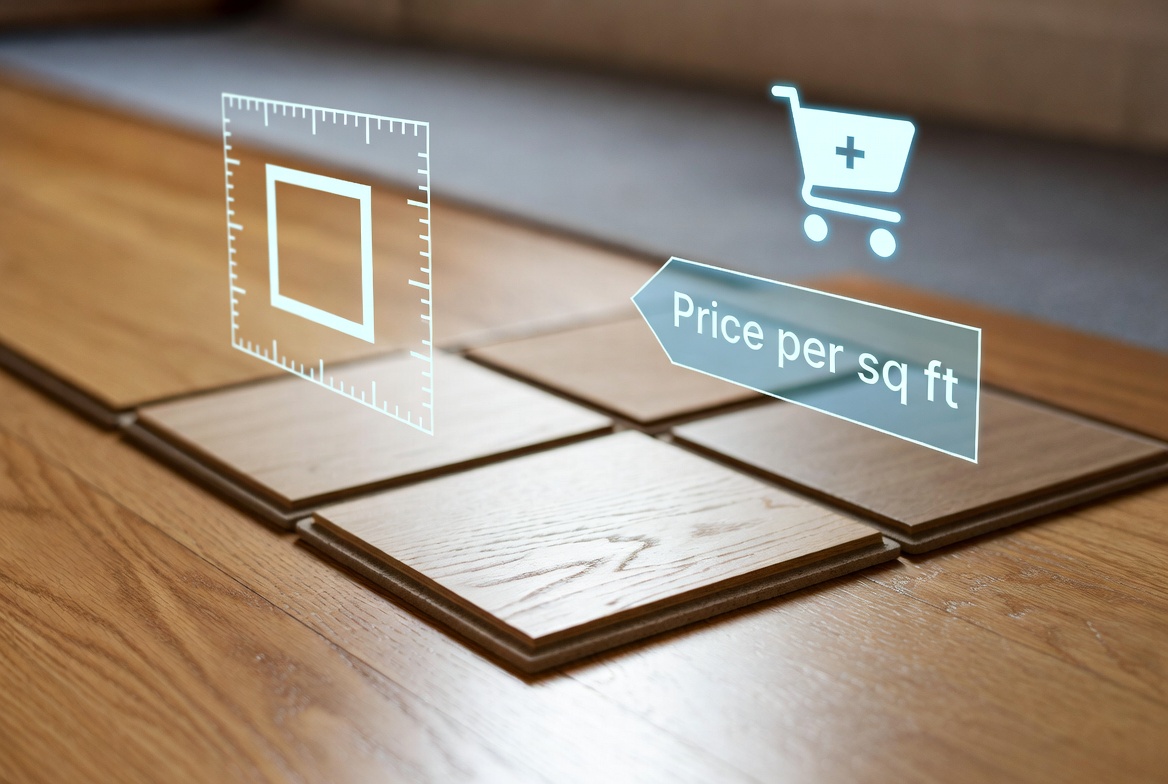
Many flooring retailers price products by the square foot rather than selling fixed packs or fixed-size products. Customers measure their room, enter the dimensions, and expect an instant quotation before placing an order.
WooCommerce can support this workflow using dynamic measurement pricing, allowing prices to be calculated automatically from customer-entered dimensions.
In this guide, we’ll show you how to sell flooring per square foot in WooCommerce.
Why Sell Flooring by Square Foot?
Every flooring project is unique.
A customer renovating a bathroom may need 45 square feet, while another fitting an entire house may require several hundred.
Instead of creating hundreds of product variations, customers simply enter their room measurements.
For example:
Room Width: 12 ft

Room Length: 15 ft

Area = 180 square feet
If your flooring costs $6.50 per square foot, WooCommerce calculates:
180 × $6.50 = $1,170The customer immediately knows the total cost before checkout.
Products Suitable for Square Foot Pricing
This pricing model works well for:
- Hardwood flooring
- Engineered wood flooring
- Laminate flooring
- Vinyl flooring
- Luxury vinyl tiles (LVT)
- Rubber flooring
- Cork flooring
- Commercial flooring
Problems with Standard WooCommerce Pricing
Without measurement pricing, merchants often have to:
- Create dozens of product variations
- Prepare manual quotations
- Answer sizing enquiries
- Correct pricing mistakes
- Spend more time processing orders
Measurement pricing automates these calculations and improves the buying experience.
Automatically Calculate Flooring Prices
Customers simply enter:
- Room width
- Room length
WooCommerce can then:
- Calculate the total floor area
- Multiply it by your price per square foot
- Display a live product price
- Update instantly as measurements change
This reduces administration while making pricing transparent for customers.
Additional Pricing Rules
Many flooring businesses also include:
- Wastage percentages
- Minimum order quantities
- Box quantity calculations
- Underlay options
- Installation services
- Delivery charges
- Bulk discounts
Dynamic pricing formulas allow these costs to be incorporated automatically.
Using Woo State Calculator
Woo State Calculator allows WooCommerce stores to calculate prices using customer-entered measurements.
It supports pricing by:
- Square feet
- Square metres
- Length
- Volume
- Perimeter
- Custom formulas
Additional features include:
- Live price updates
- Minimum charges
- Wastage calculations
- Formula pricing
- Flexible measurement units
This makes it ideal for flooring retailers, builders’ merchants and suppliers of made-to-measure products.
Learn more:
Related Guides
WooCommerce Flooring Price Calculator: How to Sell Flooring by Area (2026 Guide)
WooCommerce Calculate Square Feet: Sell Products by Area (2026 Guide)
WooCommerce Formula Pricing: How to Price Products by Area, Volume or Length (2026 Guide)
How to Sell Flooring Online (Complete 2026 Guide)
Frequently Asked Questions
Can WooCommerce calculate flooring prices by square foot?
Yes. Customers enter the dimensions of their room, and WooCommerce automatically calculates the total area and final product price.
Can I include wastage automatically?
Yes. You can include a wastage percentage within your pricing formula to help customers purchase enough flooring for cutting and fitting.
Can I charge by square foot and still sell in boxes?
Yes. Many flooring retailers calculate the required area first before converting it into the appropriate number of flooring packs.
Can customers see the total instantly?
Yes. Live price updates allow customers to adjust their measurements and immediately see how the final price changes.
Conclusion
Selling flooring per square foot in WooCommerce doesn’t need to involve manual quotations or complicated product variations. With measurement-based pricing, customers simply enter their room dimensions, and WooCommerce calculates the total cost automatically.
By combining dynamic formulas with live pricing, wastage calculations and optional installation services, flooring retailers can streamline the buying process while giving customers accurate pricing before they reach the checkout.
Leave a Reply