
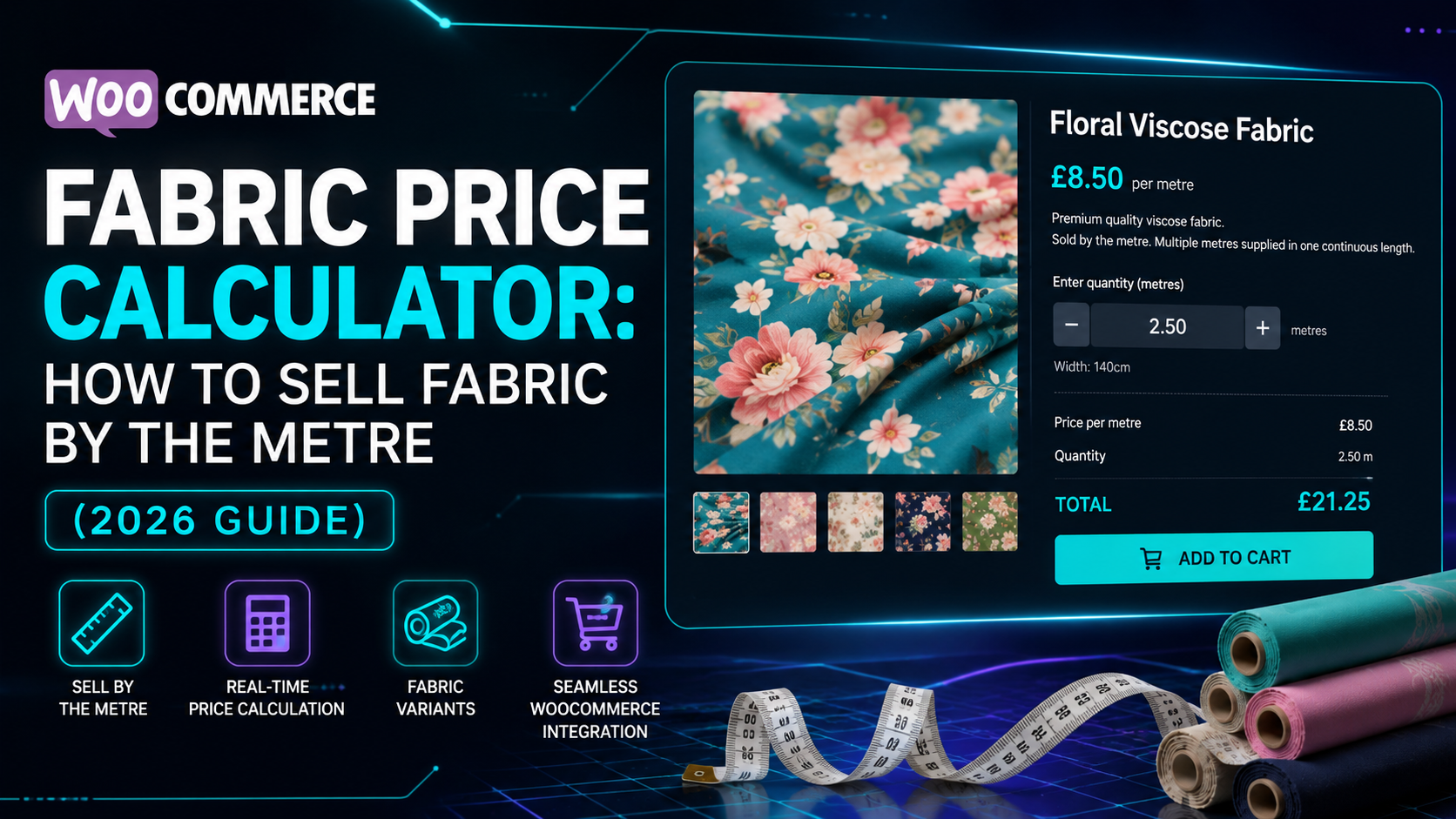
If you sell fabric through WooCommerce — dressmaking fabric, upholstery, curtain material, or craft textiles — you’ll recognise the pricing problem: customers don’t buy “a fabric,” they buy “3.5 metres of it,” and that number changes on every single order.
Selling fabric as a fixed-quantity product forces an awkward choice: either list it in pre-cut lengths that don’t match what most customers actually need, or leave pricing to a “special instructions” note and quote manually. Neither gives customers a genuine self-serve way to buy exactly the length they want.
This guide covers how to price fabric by length in WooCommerce properly.
Why fabric pricing needs more than a quantity field
A useful fabric calculator needs to:
- Take dimensions directly — length is the obvious one, but many fabric products (especially upholstery or craft fabric sold as panels) are priced by area, length × width, not length alone
- Apply a cutting wastage allowance automatically — pattern matching, selvage trimming, and cutting error mean most fabric sellers build in extra material rather than selling the exact metreage requested; this is commonly a higher percentage than flooring or tile, since fabric waste from cutting and pattern-matching tends to run higher
- Update the price live as the customer enters their length, so they can adjust before committing
- Recalculate server-side at checkout, so the displayed price can’t be altered before the order is placed
The formula
For a length-priced fabric product, the calculation is:
Price = Length × (1 + wastage %) × price per metre
For example: 3.5 metres of fabric, with 20% wastage applied, at £12 per metre:
Price = 3.5 × 1.20 × £12 = £50.40
For fabric sold and priced by area rather than length alone (e.g. upholstery fabric where both roll width and cut length matter):
Area = Length × Width
Price = Area × (1 + wastage %) × price per m²
The wastage step matters more here than most product categories — a customer who orders “exactly enough” fabric with no allowance for cutting error is one of the most common causes of a fabric seller getting a support request for a top-up order after the fact.
Setting this up in WooCommerce
The usual options:
1. Manual quoting. Fine for made-to-order or bespoke fabric work, but doesn’t scale, and needs a person on every sale.
2. Generic quantity-input plugins. These let a customer type a number, but almost none apply an automatic wastage allowance — the customer has to know to add extra themselves, and most won’t.
3. A purpose-built length or area-based pricing calculator, with a fabric preset that sets the calculation type and wastage percentage for you.
This is what Woo State Calculator is built for — it includes a one-click Fabric preset (area-based pricing with 20% wastage set by default, fully adjustable), and the price updates live as the customer enters their measurements, with the final price recalculated server-side at checkout. It’s built on State.js, so there’s no jQuery dependency and no layout shift while it updates.
What to check before you buy any calculator plugin for fabric
- Does it apply a wastage/cutting allowance automatically, rather than leaving it to the customer?
- Can you set wastage differently per product (a plain cotton vs. a pattern-matched print typically need different allowances)?
- Does the price update live as the customer enters their measurements?
- Is the price recalculated server-side at checkout?
FAQ
Should I price by length alone or by length × width? It depends on how the fabric is sold — if it’s a fixed roll width and customers only choose how many metres to cut, price by length alone. If width varies or the product is sold as panels, price by area.
What wastage percentage should I use? 20% is a common starting point for fabric with pattern matching or higher cutting waste; plain, non-directional fabric can often use a lower percentage — it’s adjustable per product.
Can I set a minimum order length? Yes — setting a minimum charge means very short lengths (e.g. 0.2m) don’t undercut what it’s actually worth cutting and packaging.
Selling fabric, upholstery material, or another length or area-priced product through WooCommerce? Woo State Calculator includes a ready-made Fabric preset to get set up in minutes.
Leave a Reply