
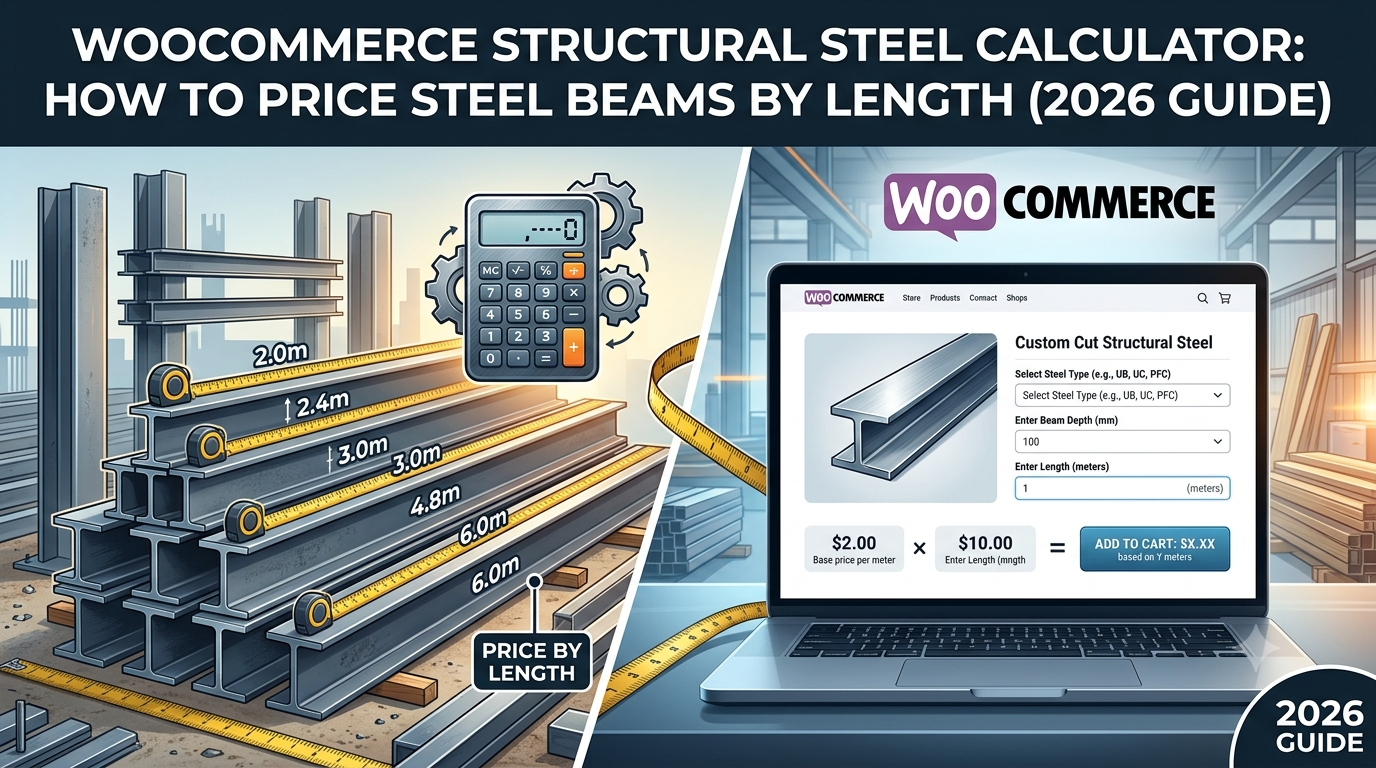
If you supply structural steel — beams, box section, angle iron, or RSJs — through WooCommerce, you’re dealing with a B2B buyer who needs an exact length priced accurately and quickly, often as part of a larger order they’re pricing up before committing to a job. A generic quantity field can’t do that, and manual quoting on every enquiry slows down exactly the kind of repeat trade buyer you want ordering online without friction.
This guide covers how to set up genuine length-based pricing for structural steel in WooCommerce.
Why steel needs precise length pricing, not fixed stock lengths
Structural steel is typically supplied in fixed stock lengths from the mill, but end users rarely need the full stock length — a beam is cut to the exact span a job requires. That means:
- One dimension, priced precisely — a beam’s price depends on its length, not an area or a fixed unit count
- Lower cutting waste than timber — steel is usually cut to order with tighter tolerances than timber, so a smaller wastage allowance is typically appropriate than you’d use for a cut timber product
- Decimal precision genuinely matters — a structural calculation might call for 4.25m, not a rounded figure, and pricing needs to reflect the exact length ordered
- Trade buyers expect bulk-order pricing — a buyer ordering a large total length for a multi-beam job commonly expects a better per-metre rate than someone ordering a single short length
That last point matters more here than in most of the other verticals — steel is a category where automatic quantity-break pricing is a genuine expectation from trade buyers, not a nice-to-have.
The formula
For a length-priced product like structural steel, the base calculation is:
Price = Length × (1 + wastage %) × price per metre
For example: a 4.25m beam length, with 5% wastage for cutting tolerance, at £22 per metre:
Price = 4.25 × 1.05 × £22 = £98.18
On top of this base calculation, a conditional pricing rule can automatically apply a trade discount once the order crosses a length or value threshold — for example, a rule set to apply a percentage discount once the calculated length passes a chosen figure, so a buyer ordering a longer run sees a better rate applied live, without needing a separate quote step.
Setting this up in WooCommerce
The usual approaches:
1. Fixed stock-length products. Simple to list, but forces buyers to either over-order (paying for length they’ll cut off and discard) or contact you directly for a custom length — friction that pushes trade buyers toward a supplier with a faster online ordering process.
2. Manual quoting. Very common in steel supply, but every custom-length enquiry needs a person to calculate and respond, which doesn’t scale as trade order volume grows.
3. A purpose-built length-based pricing calculator with automatic trade-discount rules, so a buyer gets an accurate price for their exact length instantly, with bulk pricing already factored in.
This is exactly what Woo State Calculator‘s dedicated Steel preset is built for — a genuine length-only calculator field with decimal precision, 5% wastage applied by default and fully adjustable, updating the price live as the length is entered. Conditional pricing rules can be layered on top — for example, automatically discounting once the entered length passes a set threshold — with the same rule enforced server-side at checkout so the discount can’t be tampered with in the browser. It’s built on State.js, so there’s no jQuery dependency and no layout shift while it updates.
What to check before you buy any calculator plugin for structural steel
- Does it accept decimal length input, and is the default wastage set appropriately low to reflect steel’s tighter cutting tolerance versus timber?
- Can you set up automatic trade discount rules based on the length or order value entered, rather than requiring manual quote follow-up for bulk orders?
- Is any discount rule enforced server-side at checkout, not just calculated in the browser?
- Can you set a minimum charge, so very short custom cuts aren’t priced below what’s worth processing?
FAQ
What wastage percentage is realistic for structural steel? 5% is a reasonable starting point given steel is typically cut to order with tighter tolerances than timber; the right figure ultimately depends on your supplier’s own cutting tolerance and should be reviewed against real order outcomes.
Can I show customers a price breakdown when a trade discount is applied? Yes — displaying a breakdown (base price, then any conditional adjustment applied) gives trade buyers transparency on how their discount was calculated, rather than just showing a final number.
Does this work for different steel sections (RSJ, box section, angle) with different prices? Yes — each section type is set up as its own product with its own price-per-metre, using the same length-based calculation.
Supplying structural steel, box section, or another length-priced product through WooCommerce? Woo State Calculator includes a ready-made Structural Steel preset, with conditional trade-discount pricing built in.
Leave a Reply