
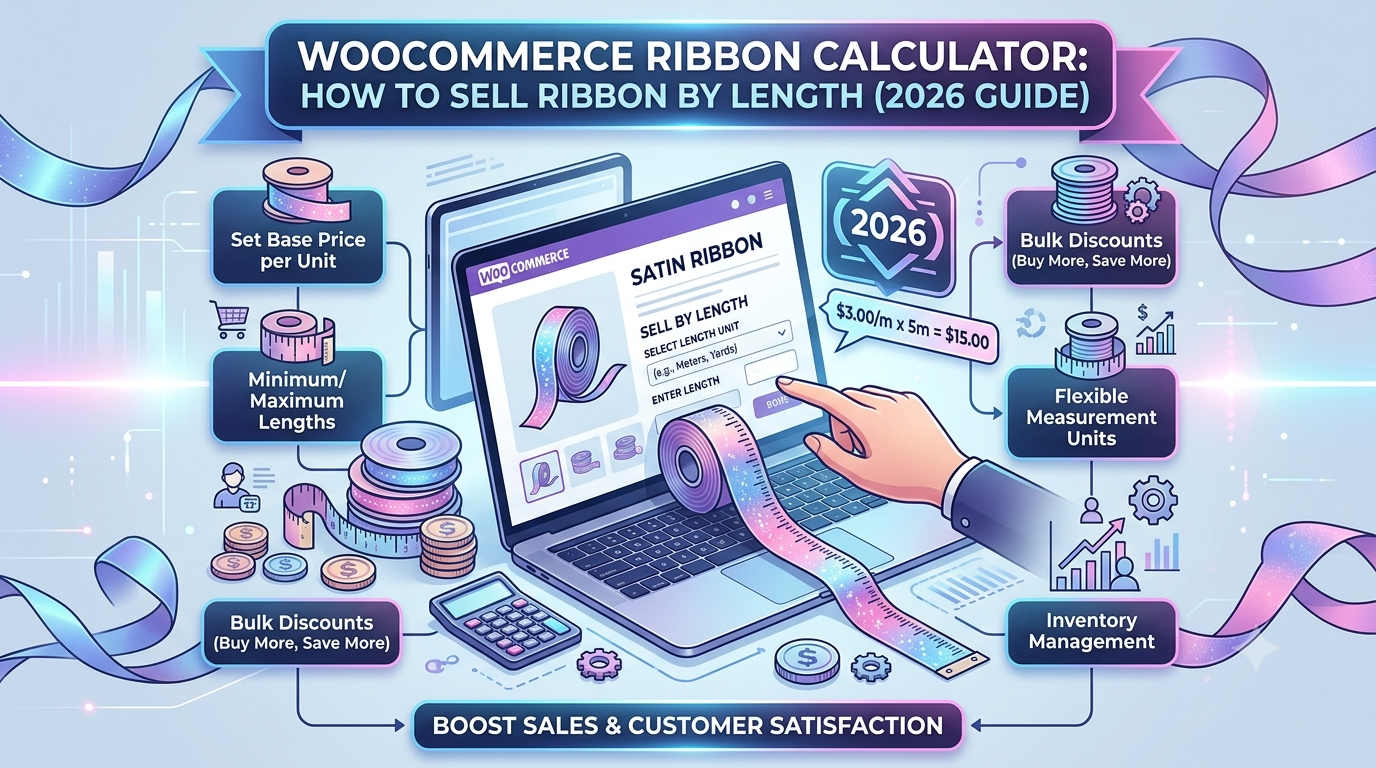
If you sell ribbon, trim, or braid through WooCommerce — for craft, dressmaking, gift wrap, or haberdashery — the pricing challenge is a small-scale version of the same problem timber and steel suppliers face: customers want an exact length, not a fixed pack size, and every order is a different number of metres.
Selling ribbon only in fixed pre-cut lengths (1m, 5m reels) forces customers into quantities that rarely match what a project actually needs — a customer needing 2.3m for trimming a garment shouldn’t have to buy a full 5m reel, or order three separate 1m lengths and hope the dye lot matches.
This guide covers how to set up exact-length pricing for ribbon in WooCommerce.
Why ribbon needs a length calculator, not a quantity field
Like timber and steel, this is a single-dimension calculation, but the practical considerations are different:
- Small, precise lengths — ribbon orders are often under a metre, and even small imprecision (a customer meaning to type 0.5m and mistakenly entering 5m) can create an order ten times the expected size, so clear unit labelling matters
- Low cutting waste — unlike timber, ribbon cuts cleanly with scissors and doesn’t lose material at the cut point the way sawn materials do, so a smaller wastage allowance is generally appropriate
- A small joining/trimming allowance still helps — a modest allowance covers a clean trimmed end on each side of a cut length, rather than leaving a slightly short piece
The formula
For a length-priced product like ribbon, the calculation is:
Price = Length × (1 + wastage %) × price per metre
For example: 2.3 metres of ribbon, with 5% wastage for trimming allowance, at £3.50 per metre:
Price = 2.3 × 1.05 × £3.50 = £8.45
The lower wastage figure compared to timber (5% versus 10%) reflects that ribbon doesn’t lose material to a saw cut the way timber does — the allowance here is mostly about giving a clean trimmed edge rather than covering genuine material loss.
Setting this up in WooCommerce
The usual approaches:
1. Fixed pre-cut lengths or reels. Simple to list, but customers needing an in-between length either over-order (paying for length they won’t use) or have to piece together multiple shorter lengths, which can create visible dye-lot or texture differences.
2. Manual quoting for custom cuts. Workable for very small stores, but adds friction to what should be a quick, low-value purchase — exactly the kind of sale that should be fully self-serve.
3. A purpose-built length-based pricing calculator, accepting a precise decimal length so customers order exactly what they need.
This is what Woo State Calculator‘s dedicated Ribbon preset is built for — a length-only calculator field with decimal precision, 5% wastage applied by default and fully adjustable, updating the price live as the customer types their required length, and recalculated server-side at checkout. It’s built on State.js, so there’s no jQuery dependency and no layout shift while it updates — worth having even on a low-value product page, since a slow or janky calculator undermines trust on a purchase this small just as much as on a larger one.
What to check before you buy any calculator plugin for ribbon
- Does it accept decimal length input for precise short lengths?
- Is the unit (metres vs. centimetres) clearly labelled, so customers don’t misjudge the length they’re ordering?
- Does the price update live as the length is entered?
- Can you set a minimum order length or minimum charge, so very small cuts aren’t priced below what’s worth processing and packaging?
FAQ
Should wastage be lower for ribbon than for timber or fabric? Generally yes — ribbon cuts cleanly without the material loss a saw cut or fabric pattern-matching involves, so a smaller allowance (around 5%) is usually more realistic than the higher figures used for timber or fabric.
Can I sell ribbon in centimetres instead of metres for very short lengths? The underlying calculation works in whichever unit you set the price per — if most orders are under a metre, pricing per 10cm or per metre with decimal entry (e.g. 0.3) both work, depending on what’s clearest for your customers.
Can I set a minimum order length? Yes — a minimum charge or minimum length stops very small cuts (a few centimetres) from being priced below what’s worth cutting and packaging.
Selling ribbon, trim, braid, or another length-priced craft product through WooCommerce? Woo State Calculator includes a ready-made Ribbon preset to get set up in minutes.
Leave a Reply