
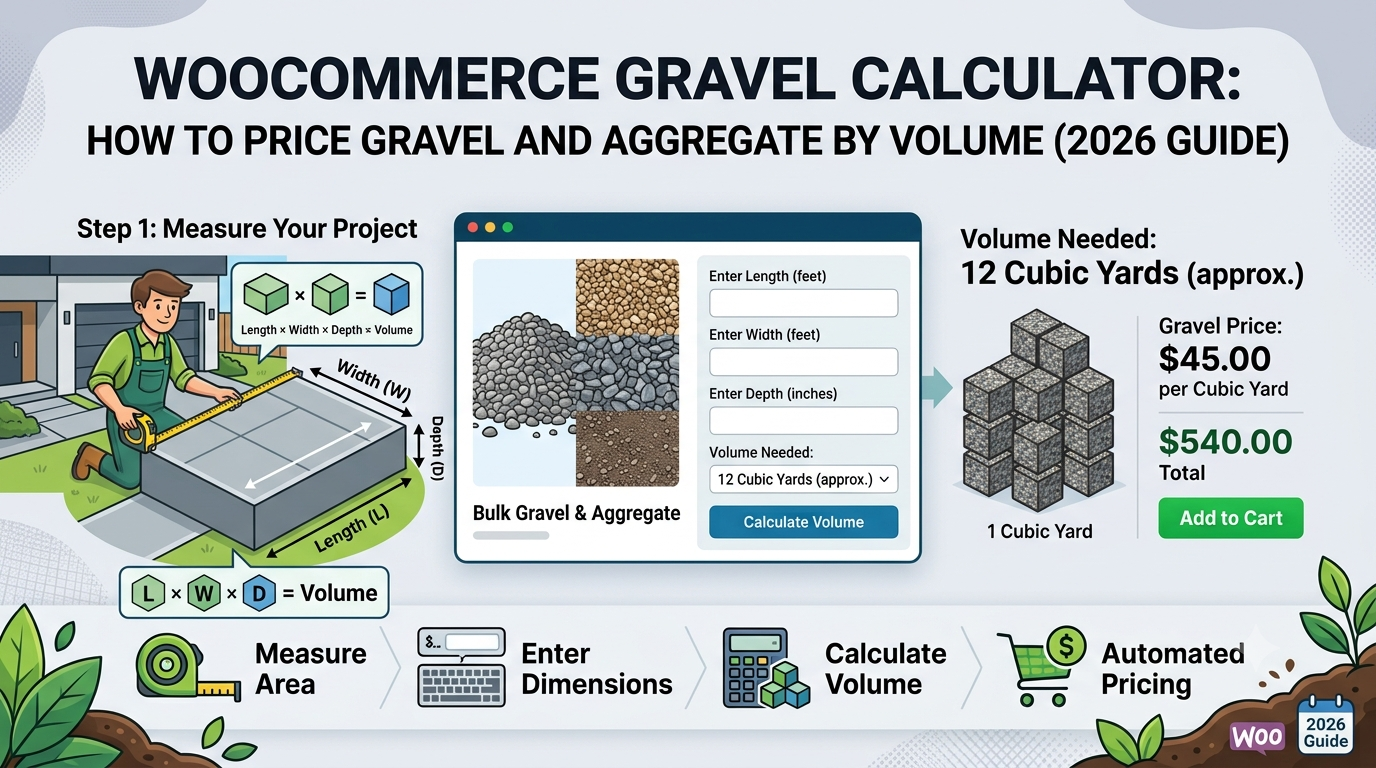
If you sell gravel, aggregate, or hardcore through WooCommerce — for driveways, pathways, or drainage — you’ll recognise the same pricing gap as topsoil: customers know the area they’re covering and roughly how deep they need it, not how many bulk bags or tonnes that translates to.
This matters more for gravel than most loose materials, because driveways specifically are usually large, high-value orders — getting the volume wrong either means a costly, awkward top-up delivery mid-job, or paying for a surplus of material that’s expensive to have removed again.
This guide covers the volume calculation gravel and aggregate need, and how to set it up in WooCommerce.
Why gravel and aggregate need a volume calculation
Like topsoil, this is a depth-times-area problem, not a simple area calculation:
- Depth requirements vary significantly by use — a decorative garden path needs a shallower layer than a driveway sub-base, so the same area can require very different volumes depending on the job
- Compaction allowance — loose aggregate compacts once laid and rolled, meaning the volume delivered loose needs to be somewhat more than the finished depth alone suggests
- High-value orders make errors costly — a driveway-sized shortfall is a much bigger problem (and more expensive to fix) than running short on a small garden bed
The formula
Using the Volume calculator type, the same one used for concrete and topsoil:
Volume = Length × Width × Depth
Price = Volume × (1 + wastage %) × price per m³
For example: a driveway measuring 10m × 4m at 0.1m (10cm) depth, with 10% wastage for compaction, at £55 per m³:
Volume = 10 × 4 × 0.1 = 4m³
Price = 4 × 1.10 × £55 = £242.00
The 10% wastage allowance reflects loose material compaction after laying, similar reasoning to topsoil — a materially different figure to concrete’s typical 5%, since concrete is poured and cured rather than compacted loose.
Setting this up in WooCommerce
The usual approaches:
1. Fixed bulk-bag or tonne-bag sizes. Simple to list, but leaves customers estimating how many bags a specific driveway or path needs, which is a calculation most get wrong, particularly on larger jobs where the cost of getting it wrong is highest.
2. Manual quoting. Very common for driveway-scale orders, but still needs someone to calculate volume and respond before a customer can commit.
3. A purpose-built volume-based pricing calculator, taking area and depth directly and calculating volume and price automatically.
This is what Woo State Calculator‘s dedicated Gravel/Aggregate preset is built for — the Volume calculator type takes length, width, and depth, applies 10% wastage by default (fully adjustable), and updates the price live as each dimension is entered, recalculated server-side at checkout so the displayed price can’t be manipulated in the browser. Given driveway-sized orders are often high value, conditional pricing rules can also apply a trade or bulk discount automatically once the calculated volume passes a set threshold. It’s built on State.js, so there’s no jQuery dependency and no layout shift while it updates.
What to check before you buy any calculator plugin for gravel or aggregate
- Does it calculate from three dimensions (length, width, depth), not just area?
- Is the wastage default set to reflect compaction, rather than a lower figure meant for poured materials?
- Can you set up automatic bulk-discount rules for larger driveway-scale orders?
- Is the price recalculated server-side at checkout?
FAQ
What depth should customers enter for a driveway versus a garden path? This varies significantly by intended use and sub-base requirements, so it’s worth stating your own recommended depth guidance per product rather than leaving customers to guess a single figure for every application.
Should decorative and sub-base aggregate use the same wastage percentage? Not necessarily — it’s worth reviewing actual order and delivery outcomes per product, since compaction behaviour can differ between material types.
Can I offer a discount for large driveway orders automatically? Yes — a conditional pricing rule can apply a discount once the calculated volume or order value passes a threshold you set, shown to the customer live with the same rule enforced server-side at checkout.
Selling gravel, aggregate, hardcore, or another volume-priced product through WooCommerce? Woo State Calculator includes a ready-made Gravel/Aggregate preset to get set up in minutes.
Leave a Reply