
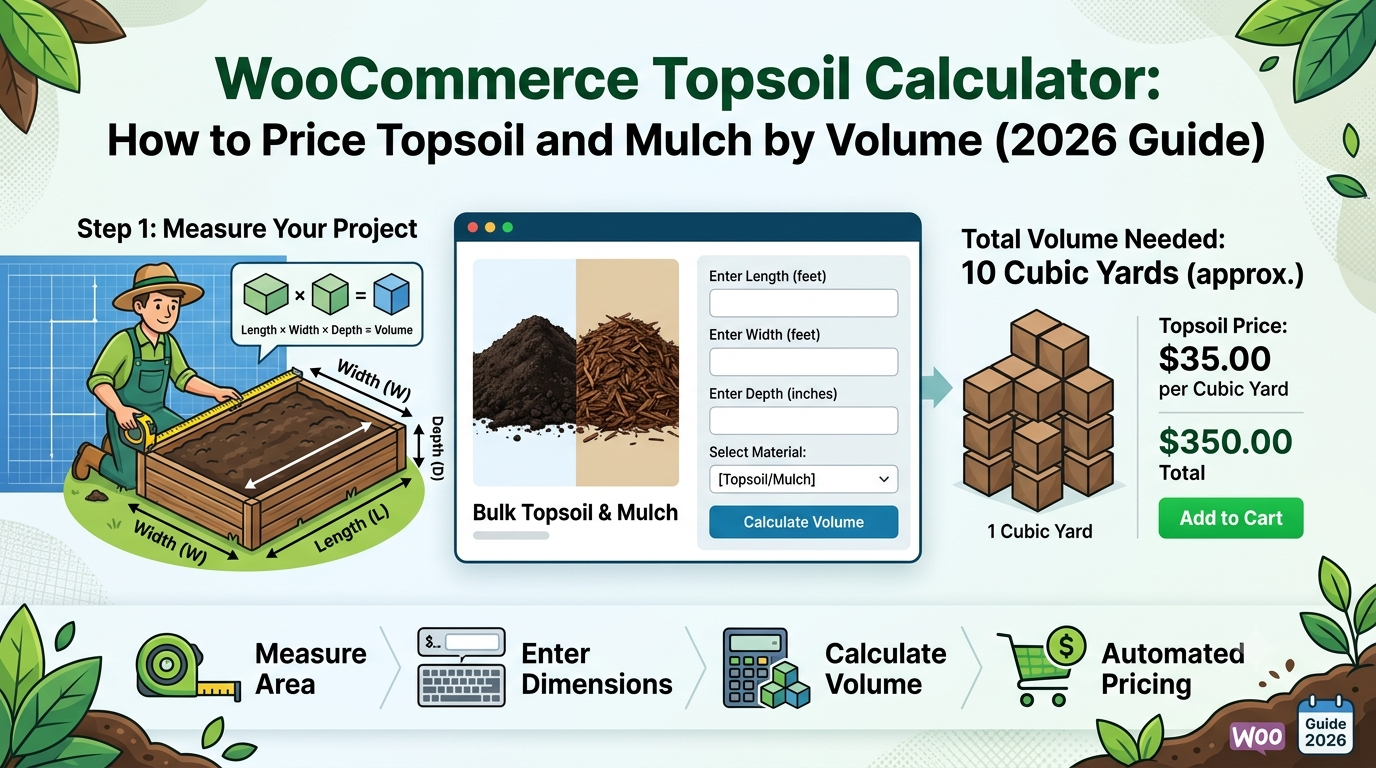
If you sell topsoil, mulch, or bark chippings through WooCommerce, you’ll recognise a pricing problem shared with concrete: customers know the area they’re covering and roughly how deep they want it, not how many bulk bags or cubic metres that translates to.
Selling only in fixed bulk-bag sizes forces customers to estimate how many bags they need themselves, which most get wrong — usually ordering too few and needing a costly top-up delivery, or too many and paying for material they don’t use.
This guide covers the volume calculation topsoil and mulch need, and how to set it up in WooCommerce.
Why topsoil and mulch need a volume calculation, not just area
Unlike flooring or tile, topsoil and mulch aren’t just a surface covering — they’re a depth of material spread over an area, which makes this a volume problem:
- Depth matters as much as area — a customer covering the same 20m² bed with 5cm of mulch needs a very different volume than one applying 10cm
- Settling and compaction allowance — loose topsoil and mulch settle and compact over time, meaning the volume delivered loose is somewhat more than the finished depth suggests; a wastage allowance accounts for this
- Decimal depth entry matters — depths are often specified in centimetres and don’t always round to a convenient whole number of millimetres or metres, so the calculator needs to handle decimal input cleanly
The formula
Using the Volume calculator type, the same one used for concrete:
Volume = Length × Width × Depth
Price = Volume × (1 + wastage %) × price per m³
For example: a bed measuring 5m × 4m at 0.08m (8cm) depth, with 10% wastage for settling, at £45 per m³:
Volume = 5 × 4 × 0.08 = 1.6m³
Price = 1.6 × 1.10 × £45 = £79.20
The 10% wastage allowance here is higher than concrete’s typical 5%, reflecting that loose materials like topsoil and mulch settle and compact after delivery in a way that poured concrete doesn’t.
Setting this up in WooCommerce
The usual approaches:
1. Fixed bulk-bag sizes. Simple to list, but leaves customers guessing how many bags to order for their specific area and depth, which is the exact calculation most people get wrong.
2. Manual quoting. Common for larger landscaping orders, but still needs someone to calculate volume and respond before an order can be placed.
3. A purpose-built volume-based pricing calculator, taking area and depth directly and calculating the volume and price automatically.
This is what Woo State Calculator‘s dedicated Topsoil preset is built for — the Volume calculator type takes length, width, and depth, applies 10% wastage by default (fully adjustable), and updates the price live as each dimension is entered, recalculated server-side at checkout so the displayed price can’t be manipulated in the browser. It’s built on State.js, so there’s no jQuery dependency and no layout shift while it updates.
What to check before you buy any calculator plugin for topsoil or mulch
- Does it calculate from three dimensions (length, width, depth), not just area?
- Is the wastage default high enough to reflect settling and compaction, rather than reusing a concrete-level figure?
- Does the price update live as dimensions are entered?
- Can you set a minimum order volume, so small orders aren’t priced below what’s worth delivering?
FAQ
Should mulch use a different wastage percentage than topsoil? Potentially — different materials settle by different amounts, so it’s worth reviewing your own delivery outcomes and adjusting the percentage per product rather than assuming one figure fits both.
What depth should customers enter for typical mulch coverage? This depends on the product and purpose, but many landscaping guides suggest a common range for mulch beds; since that guidance varies by material and application, it’s worth stating your own recommended depth range in the product description alongside the calculator.
Can I set a minimum order for small garden beds? Yes — a minimum charge stops very small volumes from being priced below what’s worth bagging and delivering.
Selling topsoil, mulch, bark chippings, or another volume-priced landscaping product through WooCommerce? Woo State Calculator includes a ready-made Topsoil preset to get set up in minutes.
Leave a Reply