
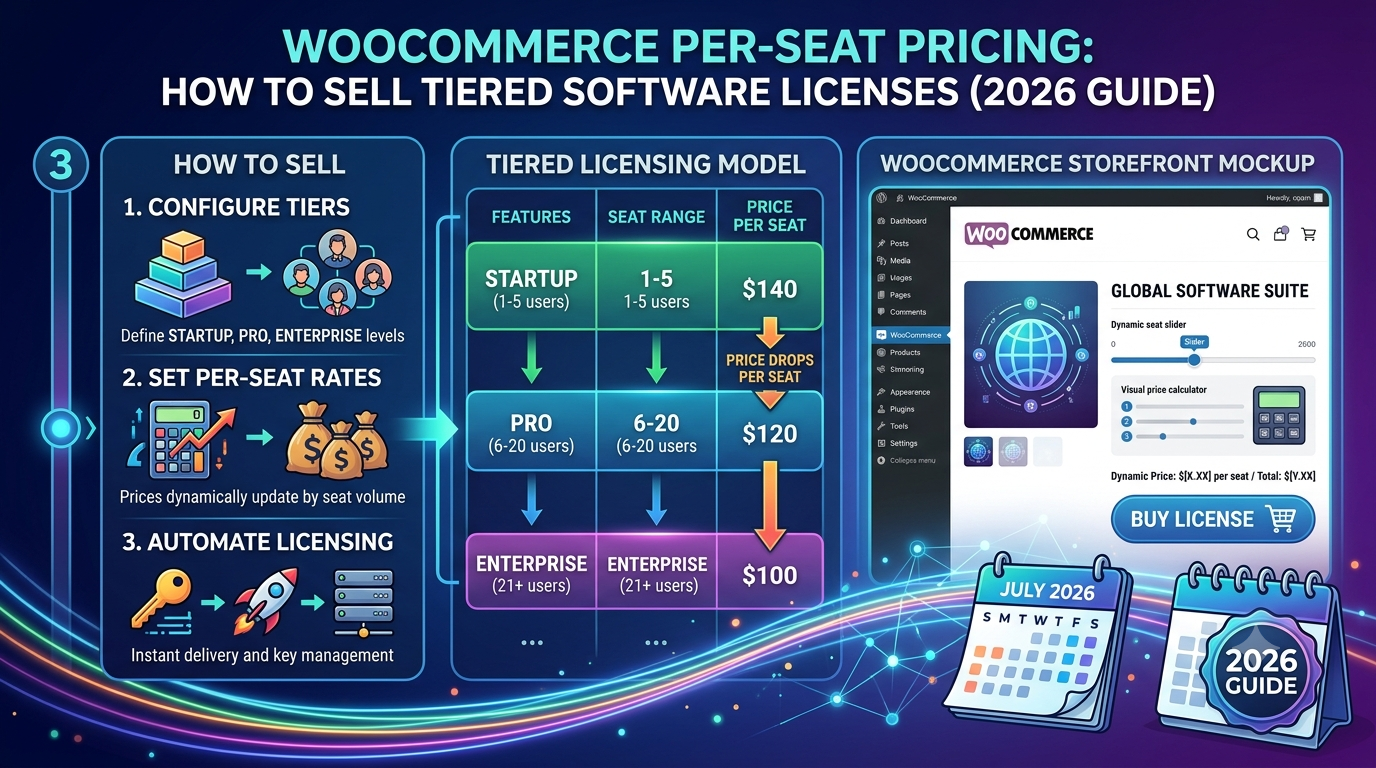
If you sell software, plugins, themes, or any licensed digital product through WooCommerce, you’ve likely hit the same wall: standard WooCommerce variations weren’t built for tiered licensing — site counts, seat counts, term lengths, each combination needing its own price, and every selection change forcing a page reload or laggy AJAX update before the customer sees an updated total.
That friction matters more for software than for physical products — a customer comparing a 1-site license against a 25-site agency package wants to see both prices instantly while deciding, not wait through a reload each time they change their mind.
This guide covers how to set up genuine reactive tiered licensing in WooCommerce.
Why software licensing pricing is a harder problem than physical product variations
Standard WooCommerce variations are built for combinations like size and colour — a fixed grid of pre-set options. Licensing pricing needs more flexibility than that:
- Multiple independent dimensions that both affect price — site count and licence term (e.g. 1 year vs. lifetime) are often priced independently and then combined, rather than being a single fixed grid of pre-set combinations
- Add-on pricing on top of a base price — a “Business Package” or “Agency Package” is usually the base price plus an uplift, not a completely separate price point disconnected from the single-site tier
- Instant feedback while comparing options — a buyer deciding between tiers wants to toggle between them and see the price update immediately, not reload a variation dropdown and wait
How this works in practice
Rather than a rigid variation grid, a reactive option-based configurator lets you define each choice as an adjustment to a base price:
Total = Base price + Site-tier adjustment + Term-tier adjustment
For example: a $49 base licence, with a “Business Package (5 Sites)” option adding $40, and a “Lifetime” term option adding $200:
Single site, 1 year: $49
Business package, 1 year: $49 + $40 = $89
Business package, lifetime: $49 + $40 + $200 = $289
Each option updates the total the instant it’s selected, letting a customer freely compare tiers before committing, rather than committing to a single variation combination up front.
Setting this up in WooCommerce
The usual approaches:
1. Standard WooCommerce variations. Works for a small number of fixed combinations, but becomes unwieldy fast — every site-count/term combination needs its own variation entry, and the frontend dropdown-and-reload pattern feels sluggish for a buyer comparing tiers.
2. Separate products per tier. Simple to set up, but means a customer has to leave the page and start over to compare a different tier, rather than adjusting one selection and seeing the new price immediately.
3. A purpose-built reactive option configurator, where site count and term length are separate option groups that both adjust one live total.
This is exactly what Woo State Configurator is built for — and it’s demonstrated on its own product page: the Sites and Type selectors customers use to buy the plugin itself are Woo State Configurator, live, doing exactly this job. Options update the total instantly with zero layout shift and no jQuery, and Pro adds dynamic multiplier pricing for genuinely tiered “per-seat” or “per-unit” structures where one selection scales as a multiplier of another, rather than just a flat add-on.
What to check before you buy any configurator plugin for software licensing
- Can customers freely combine independent option groups (site count, term length) rather than being locked into a fixed variation grid?
- Does the price update instantly with each selection, with no page reload?
- Can an option act as a genuine multiplier (price scaling per seat or per site) rather than only a flat addition?
- Is the final price recalculated server-side at checkout, so it can’t be manipulated in the browser?
FAQ
Can I offer a discount for longer terms, like an annual vs. lifetime licence? Yes — each term option can carry its own price adjustment, so a lifetime term can be priced as a considered uplift over the annual price rather than a completely separate, disconnected product.
Does this work for per-seat or per-user pricing specifically, not just fixed tiers? Yes — Pro’s dynamic multiplier pricing lets one option scale as a genuine multiplier of a quantity (seats, users, sites), recalculating live as either selection changes, rather than only offering a small number of fixed pre-set tiers.
Can I attach licence-specific data (like activation limits) to each option? Yes — custom meta fields let you attach arbitrary key/value data to any option, useful for feeding activation limits or fulfilment details to your own licensing system based on what the customer selects.
Selling software, plugins, themes, or another licensed digital product through WooCommerce? Woo State Configurator is the exact system running the pricing selector on this very site.
Leave a Reply