
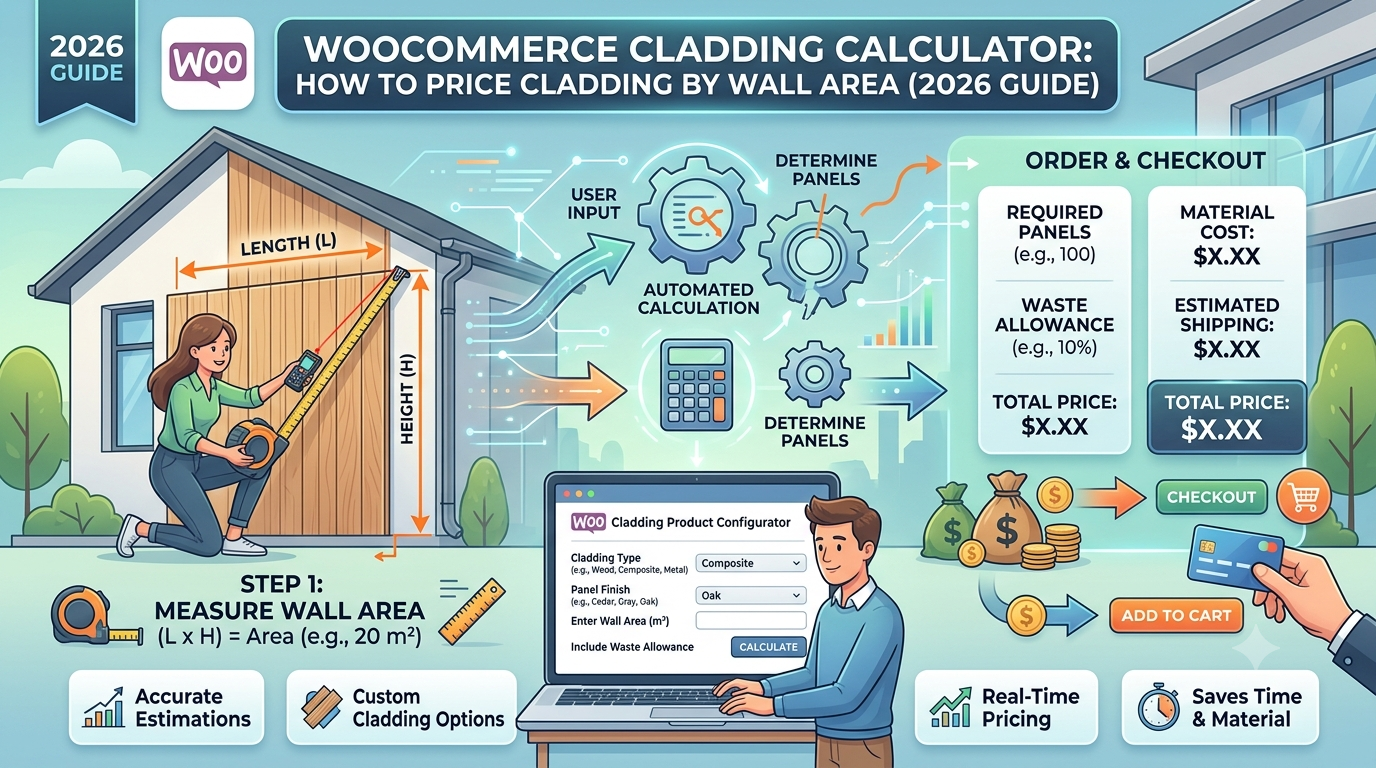
If you sell exterior cladding or weatherboard through WooCommerce — timber, composite, or PVC cladding — the pricing problem is the vertical equivalent of decking: customers know their wall’s area, not how many boards or packs that translates to.
Leave that calculation to the customer and you’ll either get quote-request enquiries on a purchase that should be straightforward, or orders that fall short once board overlap and cutting around openings are accounted for.
This guide covers the area calculation cladding needs, and how to set it up in WooCommerce.
Why cladding wastage sits between decking and roofing
The calculation is the same area-based approach as decking or flooring, but the wastage reasoning reflects cladding’s specific installation pattern:
- Board overlap — like roofing, cladding boards are often installed with an overlap between courses (particularly shiplap and weatherboard profiles), so the material needed is somewhat more than the flat wall area
- Cutting around openings — windows, doors, and vents all create cut pieces and offcuts, similar to tiling around fittings
- Less complex than a full roofline — cladding typically has fewer geometric junctions than a roof with hips and valleys, so wastage tends to sit lower than roofing’s typical figure while still being higher than a flat, uninterrupted area like a simple flooring job
This is why cladding commonly sits at a wastage percentage between decking’s and roofing’s — reflecting overlap and openings, but without the added complexity of a full roofline.
The formula
Using the Area calculator type, the same one used for flooring, decking, and roofing:
Area = Wall length × Wall height
Price = Area × (1 + wastage %) × price per m²
For example: a wall elevation measuring 6m × 2.7m, with 12% wastage for overlap and openings, at £38 per m²:
Area = 6 × 2.7 = 16.2m²
Price = 16.2 × 1.12 × £38 = £689.79
A simple, unbroken wall elevation might reasonably use a lower percentage; a wall with several windows or an irregular shape would typically need a higher one.
Setting this up in WooCommerce
The usual approaches:
1. Manual quoting. Common for larger or architecturally complex cladding projects, but still needs someone to calculate area and apply an overlap/wastage judgement before an order can be placed.
2. Generic quantity-input plugins. These leave the area calculation and overlap wastage entirely to the customer, who rarely has an accurate figure for either.
3. A purpose-built area-based pricing calculator, configured with a wastage percentage that reflects the specific cladding profile’s overlap requirement.
This is what Woo State Calculator‘s dedicated Cladding/Weatherboard preset is built for — the Area calculator type takes wall length and height, applies 12% wastage by default (fully adjustable), and updates the price live as dimensions are entered, recalculated server-side at checkout so the displayed price can’t be manipulated in the browser. It’s built on State.js, so there’s no jQuery dependency and no layout shift while it updates.
What to check before you buy any calculator plugin for cladding
- Can you set a wastage percentage that reflects the specific board profile’s overlap requirement?
- Can wastage be set per product, so a simple elevation and one with several openings can be priced differently?
- Does the price update live as dimensions are entered?
- Is the price recalculated server-side at checkout?
FAQ
Does wastage differ between cladding profiles (shiplap, board-and-batten, flat panel)? Yes, generally — profiles with a larger overlap between boards need a higher allowance than a flat panel system with minimal overlap, so it’s worth setting per product rather than using one figure across your whole range.
Does this account for window and door openings separately? Not directly — the calculation works from the total wall area, so openings are best reflected by increasing the wastage percentage for walls with more cut-outs, rather than modelling each opening individually.
Can I set a minimum order area? Yes — a minimum charge stops very small areas (a single gable end, for instance) from being priced below what’s worth cutting and delivering.
Selling cladding, weatherboard, or another area-priced exterior product through WooCommerce? Woo State Calculator includes a ready-made Cladding/Weatherboard preset to get set up in minutes.
Leave a Reply