Blog
-

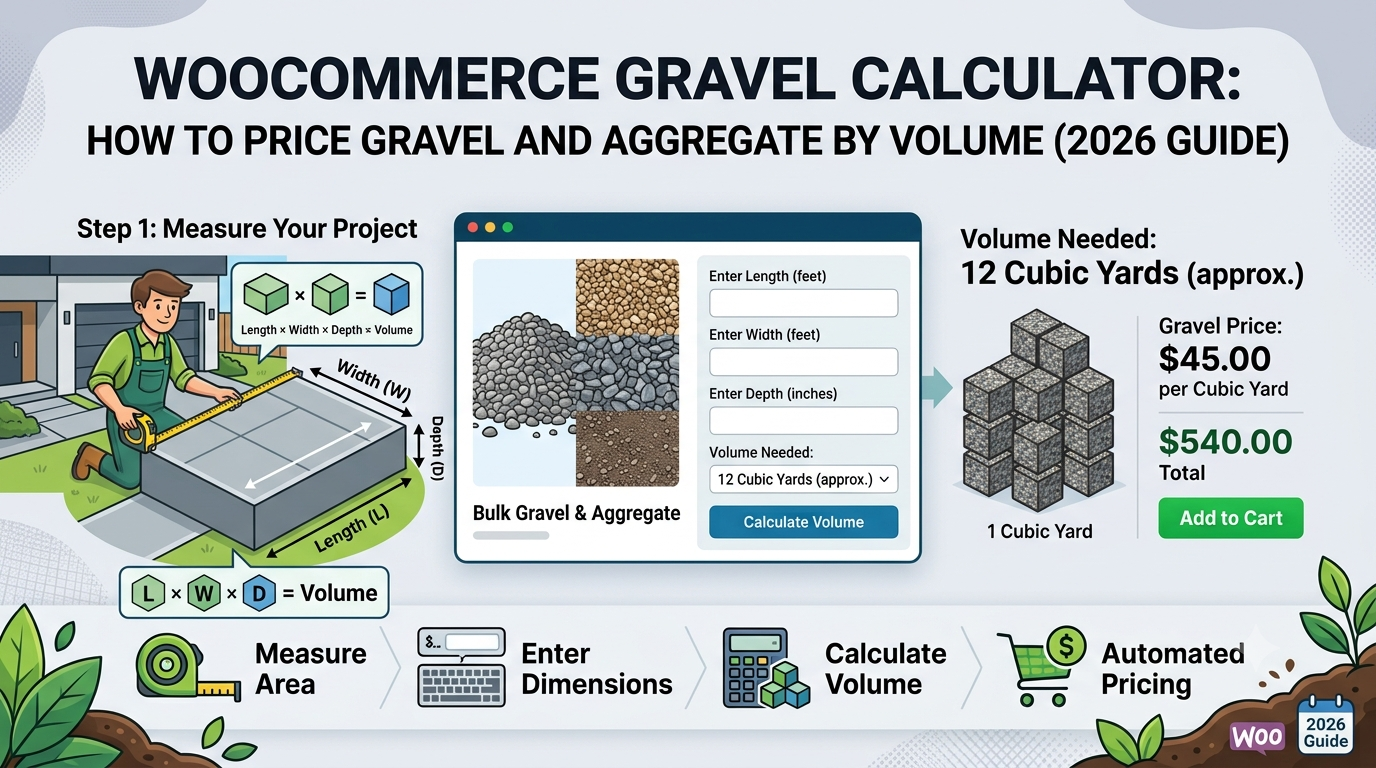
WooCommerce Gravel Calculator: How to Price Gravel and Aggregate by Volume (2026 Guide)
If you sell gravel, aggregate, or hardcore through WooCommerce — for driveways, pathways, or drainage — you’ll recognise the same pricing gap as topsoil: customers know the area they’re covering and roughly how deep they need it, not how many bulk bags or tonnes that translates to. This matters more for gravel than most loose…
-
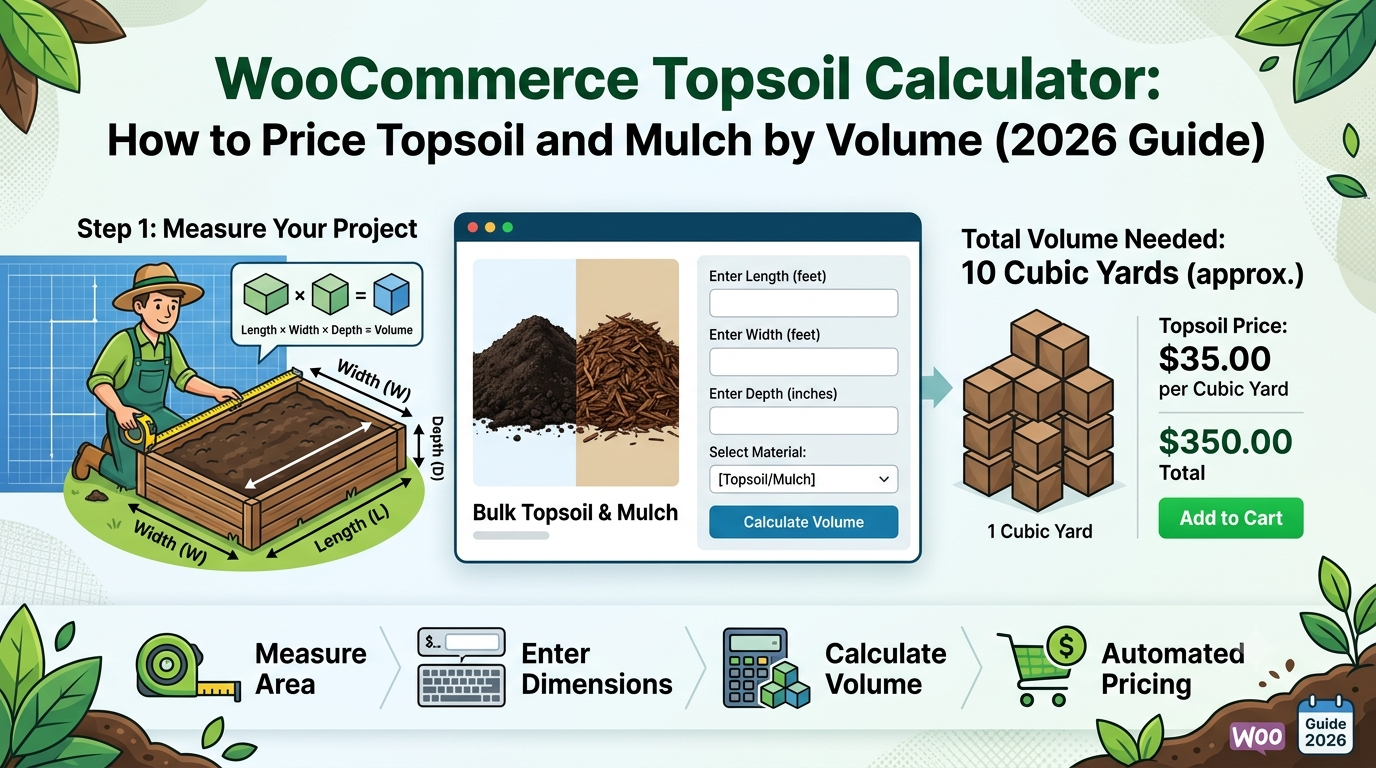
WooCommerce Topsoil Calculator: How to Price Topsoil and Mulch by Volume (2026 Guide)
If you sell topsoil, mulch, or bark chippings through WooCommerce, you’ll recognise a pricing problem shared with concrete: customers know the area they’re covering and roughly how deep they want it, not how many bulk bags or cubic metres that translates to. Selling only in fixed bulk-bag sizes forces customers to estimate how many bags…
-
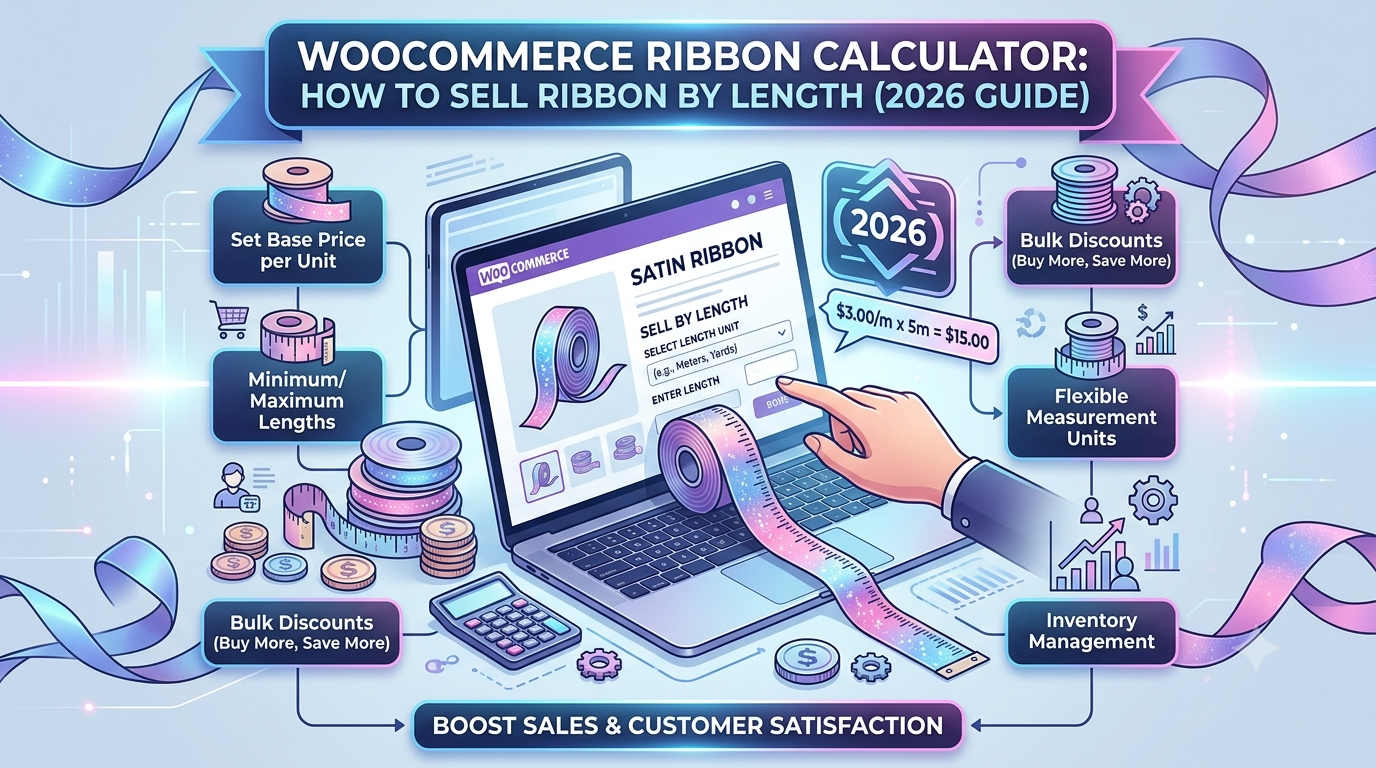
WooCommerce Ribbon Calculator: How to Sell Ribbon by Length (2026 Guide)
If you sell ribbon, trim, or braid through WooCommerce — for craft, dressmaking, gift wrap, or haberdashery — the pricing challenge is a small-scale version of the same problem timber and steel suppliers face: customers want an exact length, not a fixed pack size, and every order is a different number of metres. Selling ribbon…
-
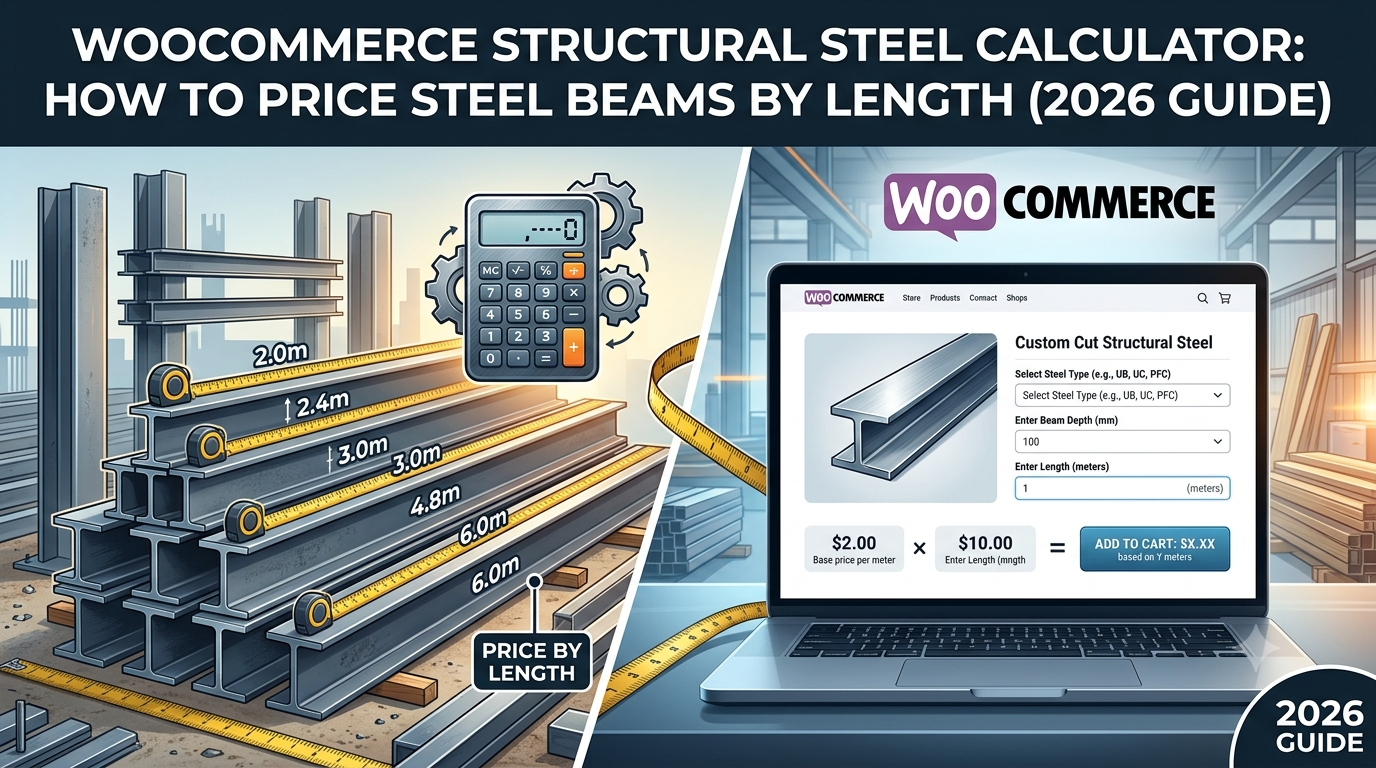
WooCommerce Structural Steel Calculator: How to Price Steel Beams by Length (2026 Guide)
If you supply structural steel — beams, box section, angle iron, or RSJs — through WooCommerce, you’re dealing with a B2B buyer who needs an exact length priced accurately and quickly, often as part of a larger order they’re pricing up before committing to a job. A generic quantity field can’t do that, and manual…
-
WooCommerce Timber Calculator: How to Sell Timber by Length (2026 Guide)
If you sell timber or lumber through WooCommerce — structural timber, fence posts, cladding battens, or general-purpose lengths — you’ve likely run into a pricing problem that’s different from area-based products entirely: customers don’t buy “a piece of timber,” they buy an exact running length, and every order is a different number. Selling timber as…
-

WooCommerce Roofing Calculator: How to Price Roofing Materials by Area (2026 Guide)
If you sell roofing materials through WooCommerce — tiles, slates, felt, or sheet roofing — the pricing problem is the same shape as flooring or decking: customers and trade buyers alike know the roof area they’re covering, not how many units or bundles that translates to. This matters for two different audiences at once. Homeowners…
-
WooCommerce Decking Calculator: How to Price Decking by Area (2026 Guide)
If you sell decking boards through WooCommerce — timber, composite, or PVC — you’ll recognise the same pricing gap as flooring: customers know their deck’s footprint in square metres, not how many boards or packs that translates to. Leave that calculation to the customer and you’ll either get quote-request enquiries on what should be a…
-

WooCommerce Wallpaper Calculator: How to Price Wallpaper by Wall Area (2026 Guide)
If you sell wallpaper through WooCommerce, the pricing problem is familiar: customers know their wall’s height and width, not how many rolls that translates to — and getting that wrong is a common cause of running short mid-job or over-ordering rolls that don’t get used. Selling wallpaper as a fixed quantity forces customers to work…
-
WooCommerce Artificial Grass Calculator: How to Price Artificial Grass by Area (2026 Guide)
If you sell artificial grass through WooCommerce, the pricing problem is the same shape as flooring: customers know their lawn’s area, not how many rolls or metres of turf that translates to. Force customers to work that out themselves and you’ll either get support enquiries asking you to quote it, or orders that come up…
-
WooCommerce Tile Price Calculator: How to Sell Tiles by Area (2026 Guide)
If you sell wall or floor tiles through WooCommerce — ceramic, porcelain, natural stone, or mosaic — you’ll recognise the same pricing gap as flooring: customers know their wall or floor area, not how many boxes of tiles that translates to, and standard WooCommerce has no way to bridge that gap. Force customers to guess…