
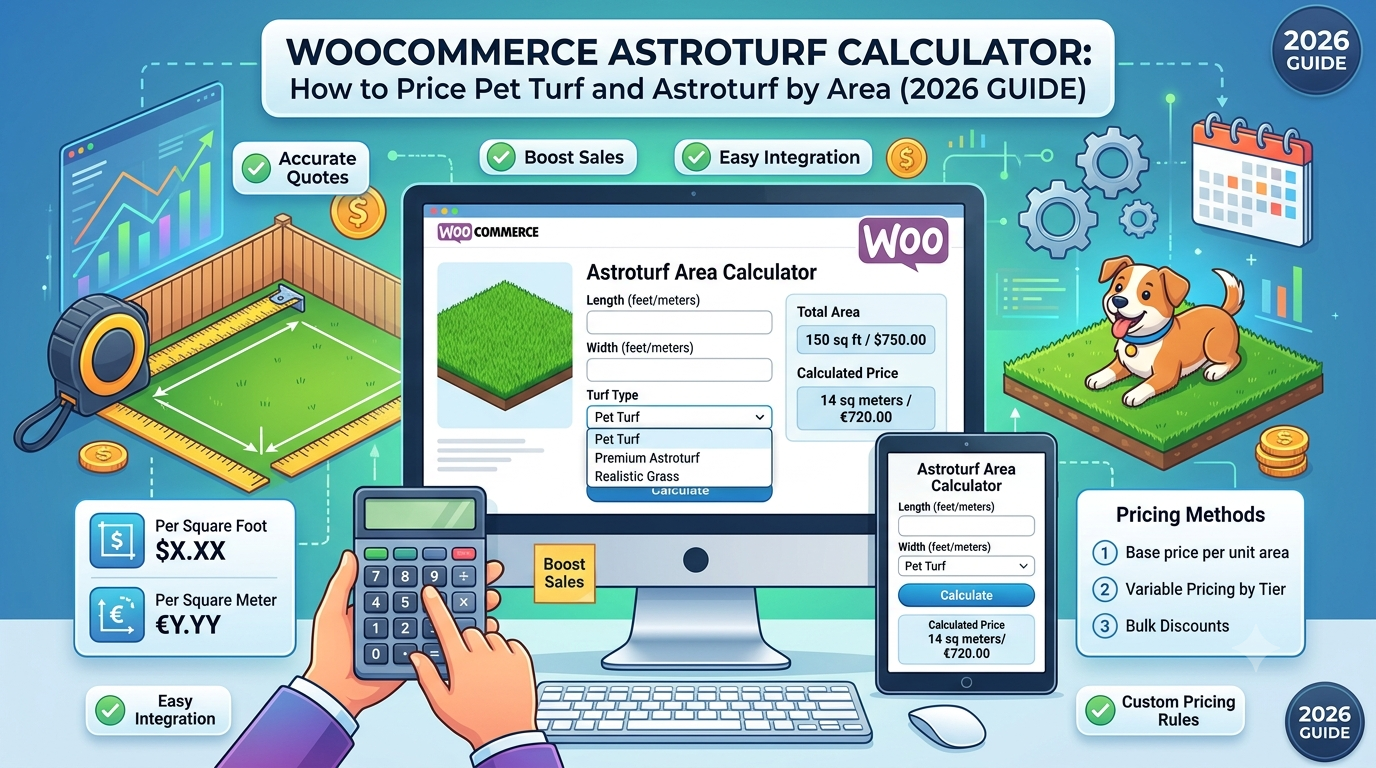
If you sell astroturf or pet-specific turf through WooCommerce — for dog runs, play areas, or pet-friendly artificial lawn — the pricing problem is the same as general artificial grass: customers know the area they’re covering, not how many rolls or metres of turf that translates to.
Pet turf specifically tends to cover smaller, more tightly defined areas than a full garden lawn — a dog run, a balcony, a designated toilet area — which makes an accurate, self-serve area-to-price calculation particularly useful, since these are often quick, considered purchases rather than large landscaping projects.
This guide covers the area calculation astroturf and pet turf need, and how to set it up in WooCommerce.
Why pet turf wastage is similar to general artificial grass, with a few differences
The underlying calculation is the same as artificial grass, but a couple of things are worth considering specifically for pet-focused turf:
- Smaller, more precisely defined areas — a dog run or balcony area is often measured more exactly by the customer than a full garden, since the space itself is usually fixed and well-defined
- Drainage-backed products may have different roll specifications — pet turf often has a different backing (for drainage and odour management) which can come in different roll widths than standard landscaping turf, affecting how offcuts fall
- Edging and containment features — pet areas often include edging, kerbing, or containment borders, which can introduce a similar trimming allowance to general artificial grass around borders
Given the similarity to general artificial grass, a comparable wastage default is a reasonable starting point, adjusted per product based on the specific roll width and typical area shapes you see.
The formula
Using the Area calculator type, the same one used for artificial grass:
Area = Area length × Area width
Price = Area × (1 + wastage %) × price per m²
For example: a dog run measuring 4m × 2.5m, with 15% wastage for trimming and roll-width allowance, at £22 per m²:
Area = 4 × 2.5 = 10m²
Price = 10 × 1.15 × £22 = £253.00
For a simple rectangular area matching the roll width well, a lower wastage figure could be reasonable; more irregular or narrow spaces may need a higher one.
Setting this up in WooCommerce
The usual approaches:
1. Manual quoting. Workable for larger or bespoke installations, but adds friction to what’s often a relatively quick, considered purchase for a smaller defined area.
2. Generic quantity-input plugins. These leave the area calculation and wastage allowance to the customer, most of whom won’t calculate it accurately.
3. A purpose-built area-based pricing calculator, configured with a wastage percentage reflecting the specific product’s roll width and typical area shapes.
This is what Woo State Calculator‘s dedicated Astroturf/Pet Turf preset is built for — the Area calculator type takes length and width, applies 15% wastage by default (fully adjustable), and updates the price live as dimensions are entered, recalculated server-side at checkout so the displayed price can’t be manipulated in the browser. It’s built on State.js, so there’s no jQuery dependency and no layout shift while it updates.
What to check before you buy any calculator plugin for astroturf or pet turf
- Can you set your own wastage percentage per product, reflecting that product’s specific roll width?
- Does the price update live as dimensions are entered?
- Is the price recalculated server-side at checkout?
- Can you set a minimum order area, so very small spaces (a balcony strip) aren’t priced below what’s worth cutting and delivering?
FAQ
Is pet turf priced differently from standard artificial grass? The area calculation itself is the same; pricing differences typically come from the product’s material cost (drainage backing, antimicrobial treatment) rather than the calculation method, which is reflected in your price per m² rather than the formula.
Does this account for irregular dog run shapes? Not directly — the calculation works from a bounding length × width, so for irregular shapes, guiding customers to measure the largest rectangular extent and relying on the wastage percentage to cover the rest is the usual approach.
Can I set a minimum order area? Yes — a minimum charge stops very small areas from being priced below what’s worth cutting, backing, and delivering.
Selling astroturf, pet turf, or another area-priced artificial grass product through WooCommerce? Woo State Calculator includes a ready-made Astroturf/Pet Turf preset to get set up in minutes.
Leave a Reply